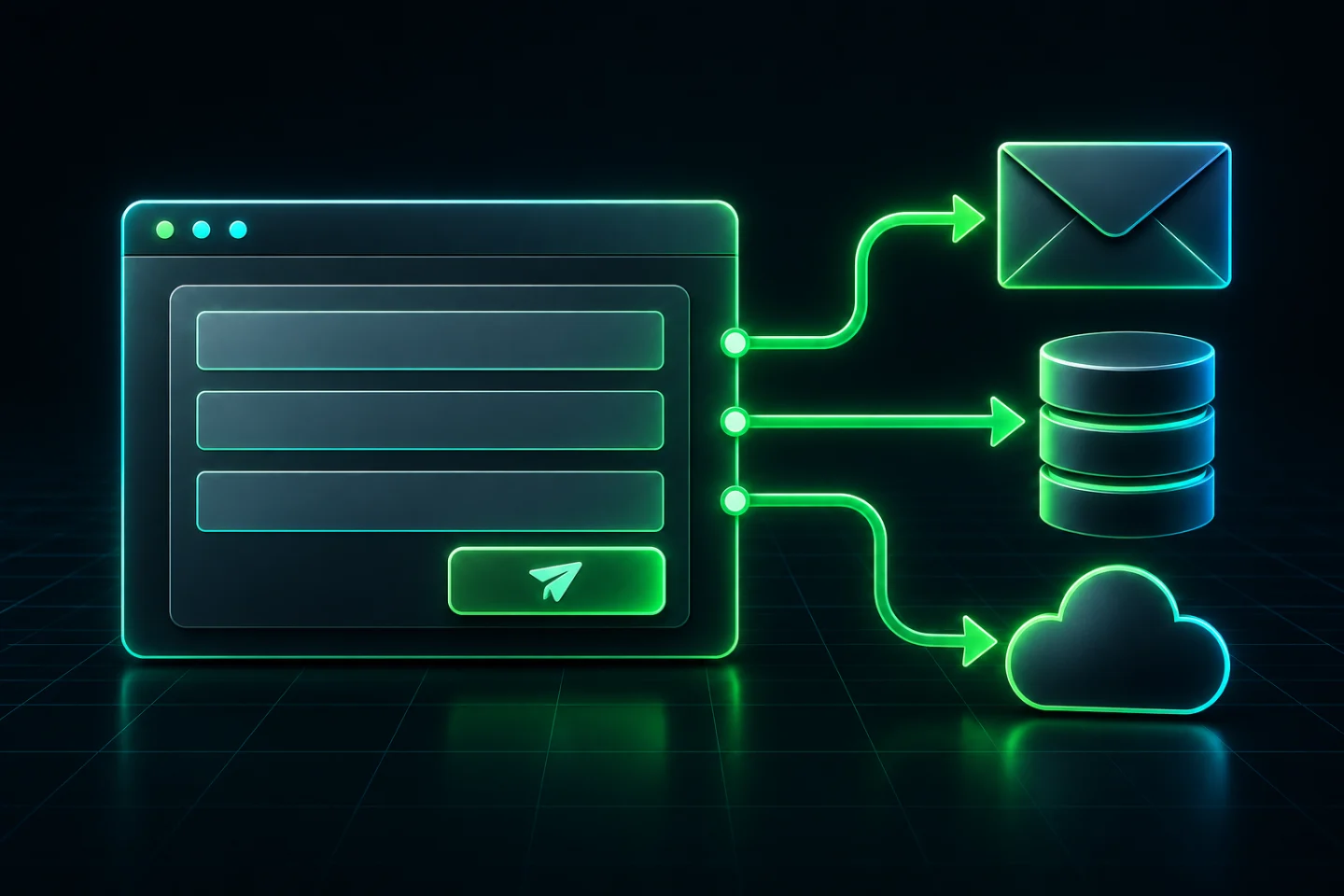
Where Does WordPress Form Data Go?
WordPress forms can leave copies in email, saved entries and connected services. Map one form’s destinations before changing its settings.

WordPress forms can leave copies in email, saved entries and connected services. Map one form’s destinations before changing its settings.

TeamUpdraft reports a breach involving account data and connection keys. Follow the separate steps for UpdraftCentral, Vault and Clone users.

A password-protected page may still link to a public PDF. Learn how page protection differs from controlling access to the file itself.

Missing Add New or Upload Plugin controls often reflect access or hosting restrictions. Find who controls installation and the right next step.

A sharp upload can look blurry when WordPress delivers the wrong size. Compare resolution, scaling and compression before replacing images.

Fonts can look right in Elementor and wrong on the live page. Trace the font file, selected weight and source typography setting.

YouTube players can load substantial resources before anyone presses Play. Compare delayed loading and preview options without disrupting playback.

Plugin dependencies, network settings and permissions can block deactivation. Identify the restriction before removing something the site still needs.

Before forcing a missing WordPress update, check the installed version, account access, hosting policy and failed connection notices.

A closed plugin listing is a reason to investigate. Learn what the notice means and how to plan a replacement without losing data.

Images, fonts and late-loading widgets can make a page jump. Locate the moving element and choose a fix that preserves the layout.

Choose between an inline Calendly embed, a popup and an external booking link by comparing load cost with the booking experience.