YouTube Embeds Slowing Down WordPress?
Keep your video useful.
Keep initial loading light.

Keep your video useful.
Keep initial loading light.

Find what controls the plugin.
Plan before removing a dependency.
Find the missing update notice.
Check before forcing a release.
Check why the listing closed.
Protect data before replacing it.

WordPress page jumps while loading? Trace images, fonts, banners and embeds, then test a focused fix without breaking mobile layouts or enquiry buttons.
Calendly slowing down WordPress? Compare embed loading, first-tap behavior and booking completion before changing scripts or replacing the calendar.
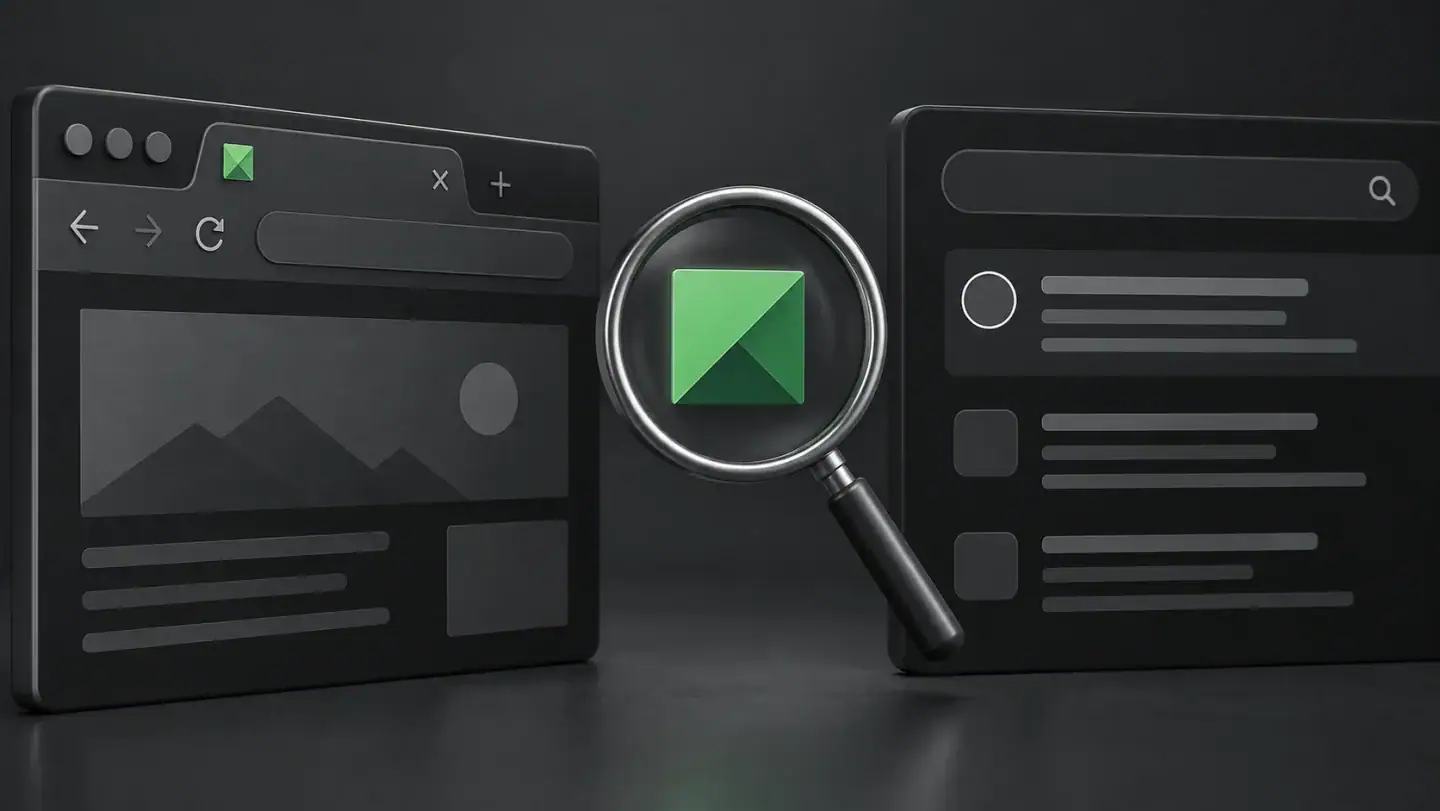
WordPress favicon works in your browser but not Google? Check Site Icon, homepage output and image access before changing settings or requesting a crawl.

Fix a wrong or stale WordPress link-preview image. Separate page metadata, image delivery and platform caching without changing your search settings.
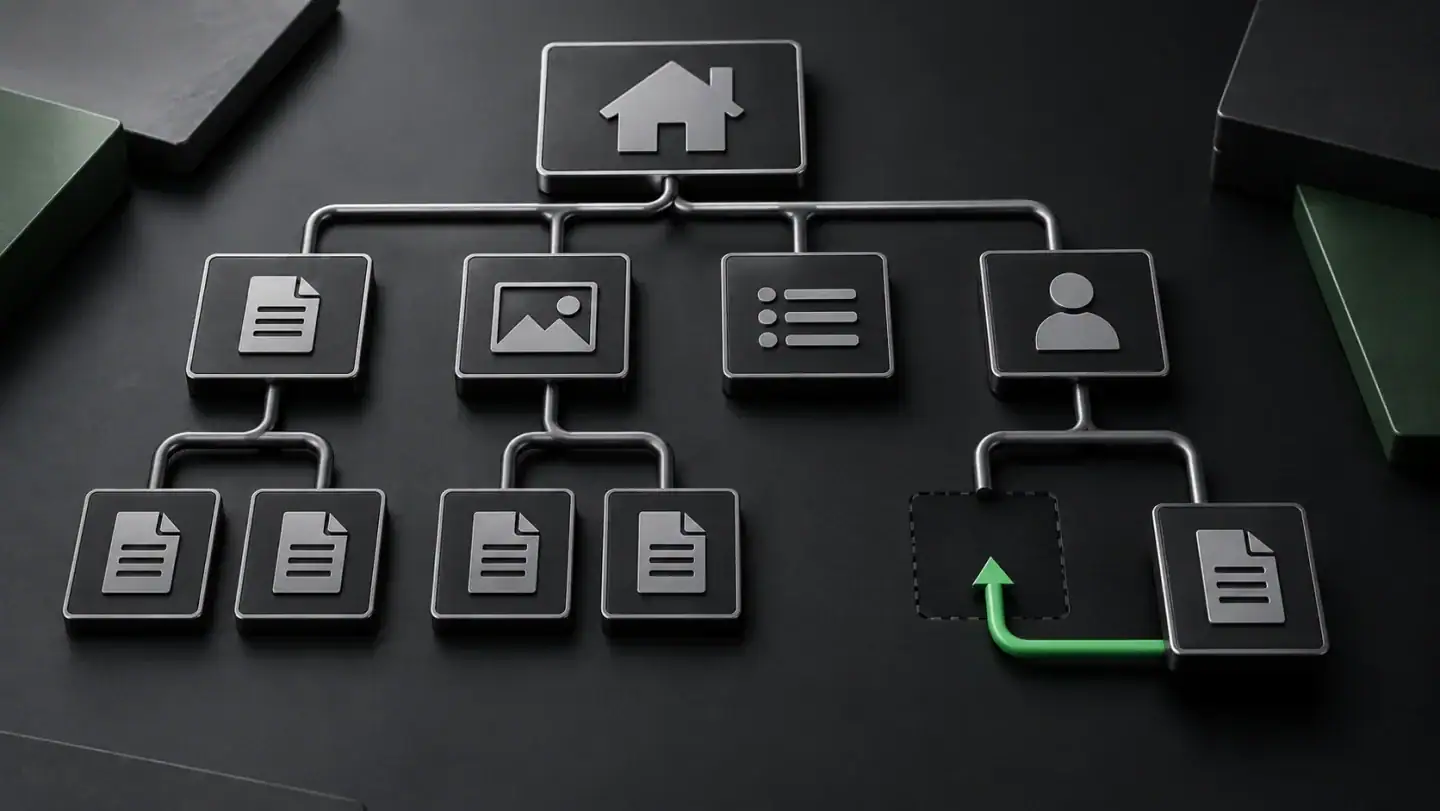
Find why a WordPress page is missing from your sitemap. Check the correct XML, visibility, canonicals and stale output without exposing private pages.

WordPress 7.1.3 fixes seven security issues. Understand a 7.0.7 update notice, confirm your installed version and verify privacy, access and business paths.

Restore a previous version of a WordPress page without guessing at a site rollback. Compare revisions, editor ownership and newer data before recovery.

WordPress keeps logging you out? Separate normal expiry from browser, URL and session faults. Protect unsaved work and test a repair without weakening security.