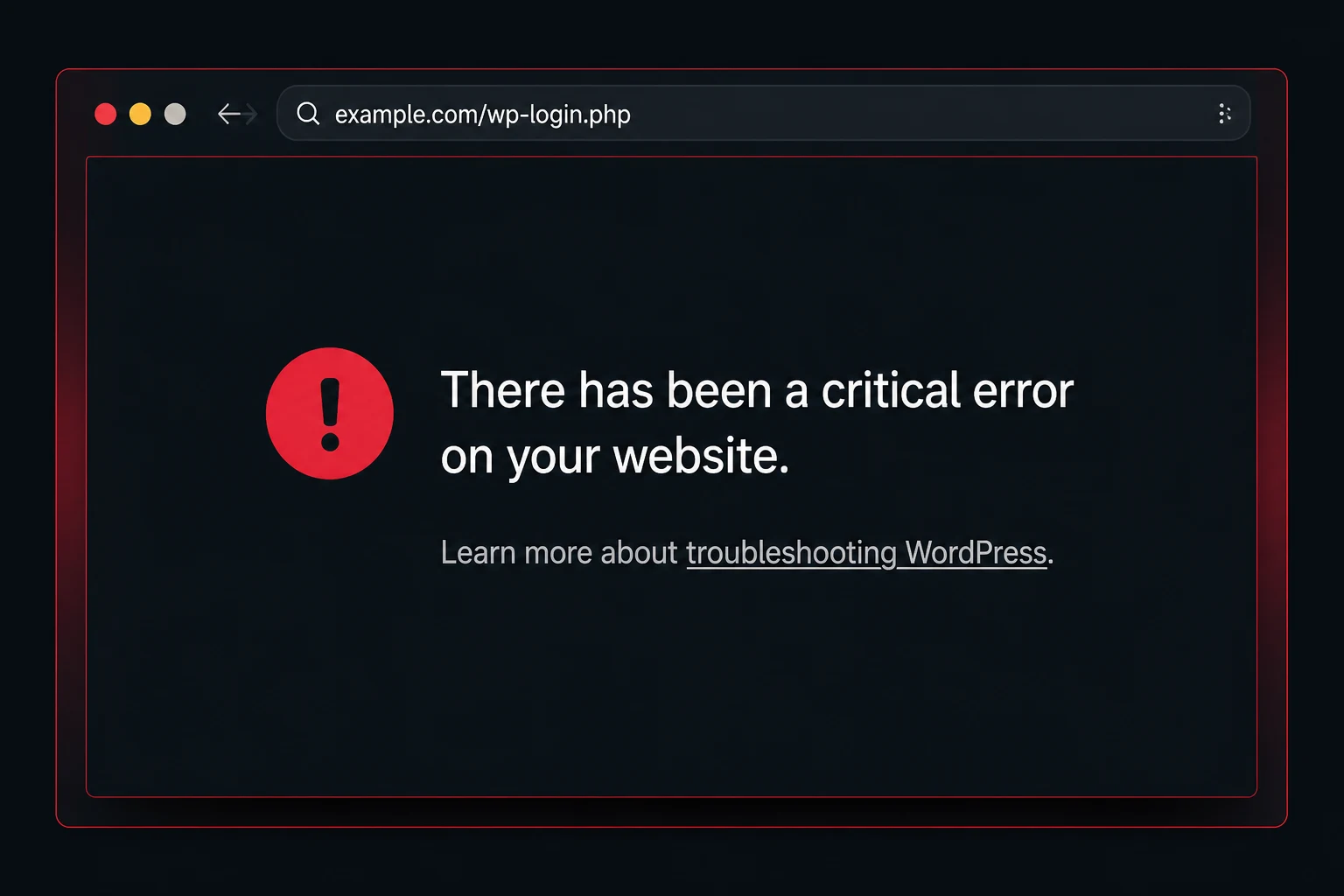
Critical error message
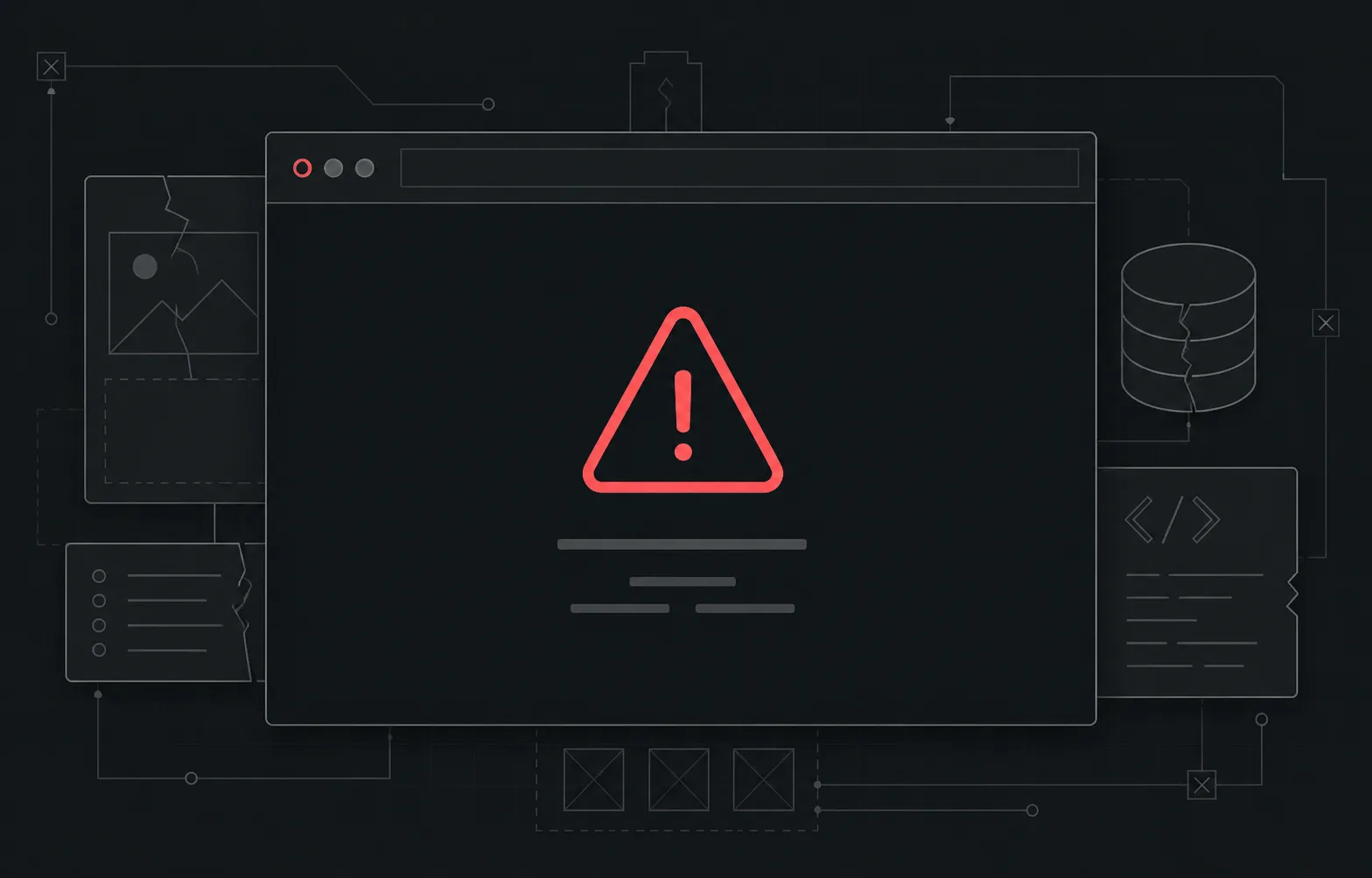
WordPress stops one public or admin path and shows a critical-error message.

WordPress emergency repair
Professional WordPress troubleshooting, repair and testing by the Webless team.
$59USD · One-time repair
Visible WordPress failures
The message is a clue, not the cause. These examples route visible symptoms to the matching repair or fit check.
WordPress stops one public or admin path and shows a critical-error message.
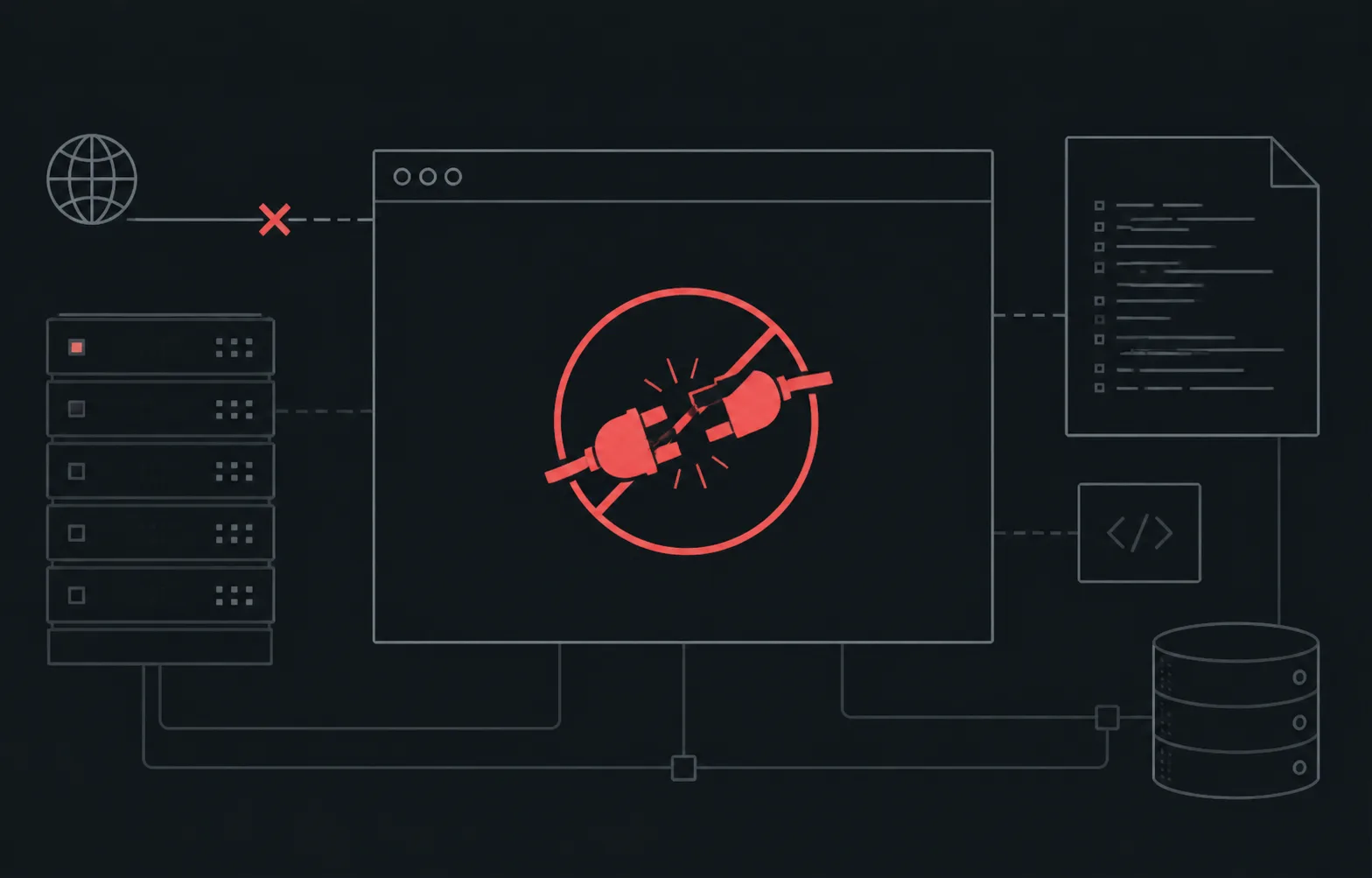
The browser receives no usable WordPress page or a server-error response.
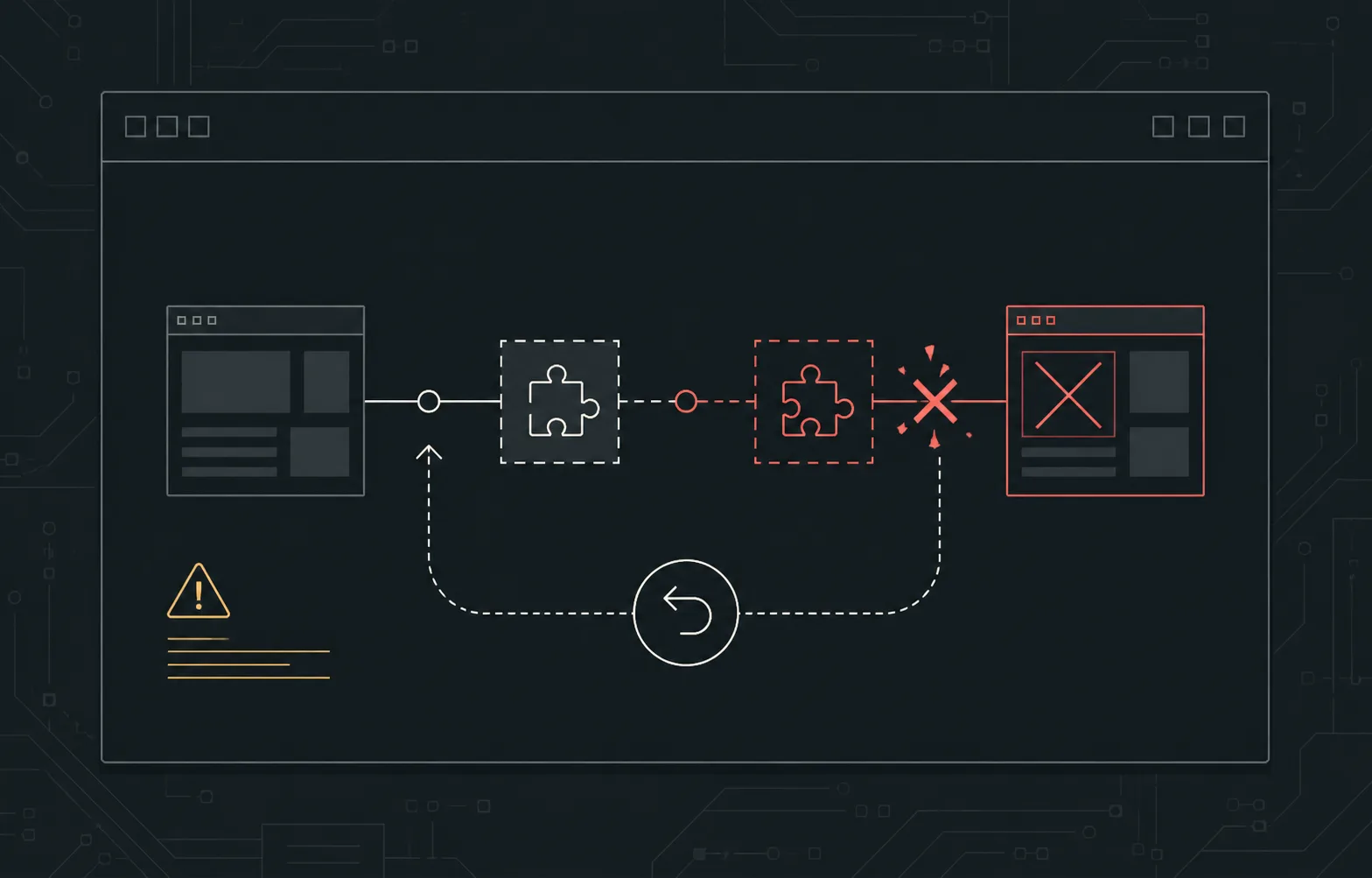
A new software state conflicts with the site and the affected path stops working.
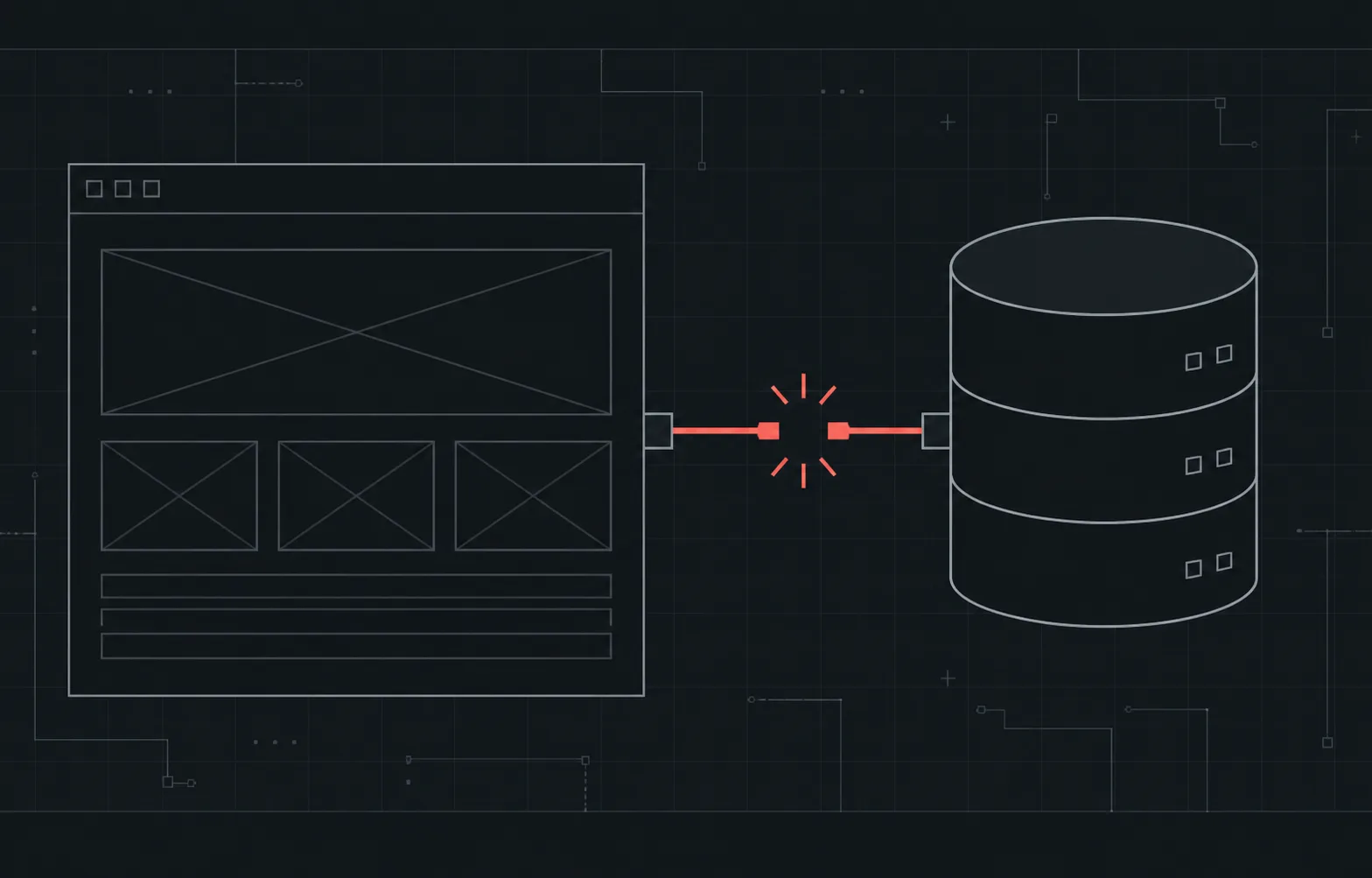
WordPress cannot reach the data it needs to build the page.
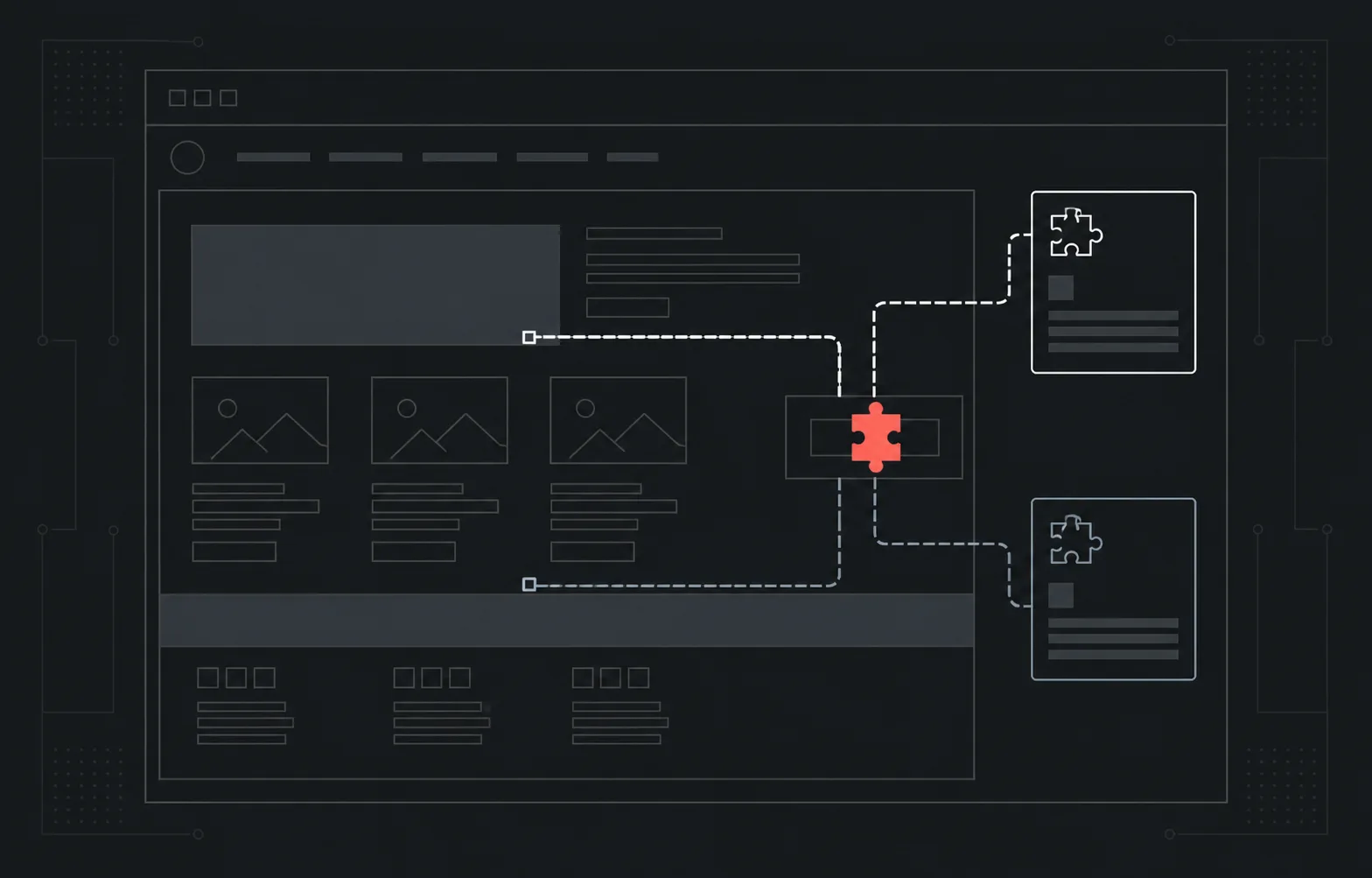
One page or function fails after a plugin or theme change.
This maps to Site Down Repair unless the provider controls the cause.
This starts with a fit check because it may be smaller than the main repair offers.
A fit check classifies the visible failure before any repair is purchased.
From failure to tested path
The message disappearing is not enough. The selected path must pass the completion test attached to the chosen repair.
Confirm the exact path, action and error state before making changes.
Review the evidence connected to the selected failure.
Trace the related WordPress, plugin, theme, PHP, server or database path.
Separate a repair Webless can make from a provider-owned incident.
Restore the page, admin route or function named in the repair contract.
Use the smallest safe repair, configuration or stable rollback.
Retest the agreed path against the selected failure contract.
Record what changed, what passed and what remains separate.
Proof of work
A clear record of the problem, repair and completion test.
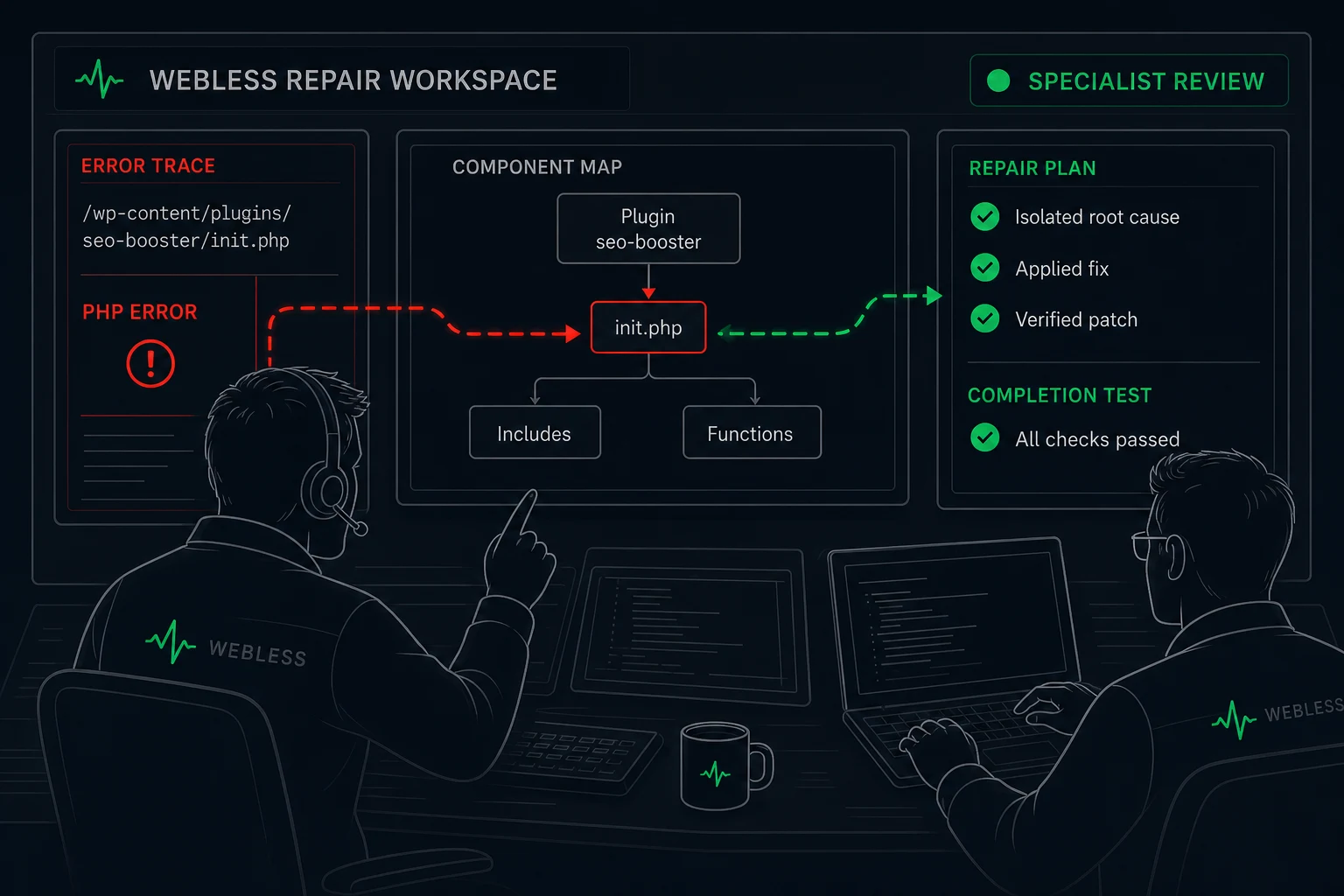
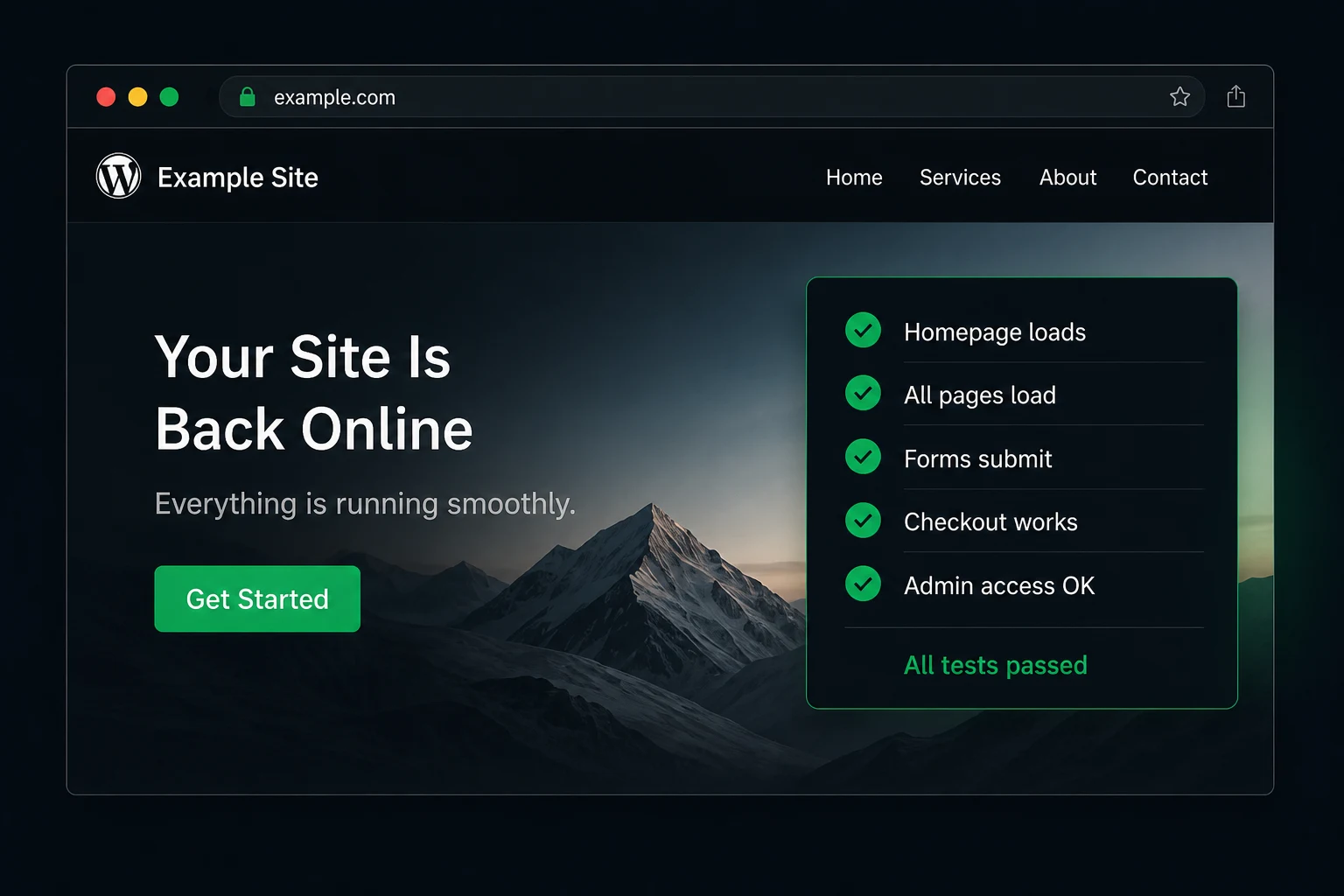
Issue, repair and verification in one clear record.
You receive a plain-language report with the issue, cause, actions taken and completion test.
Controlled demonstration. Not a client result.
The repair workflow
The visible failure is reproduced, repaired, retested and summarized in a clear sequence.
The technical checkpoints used during the service.
Final check
The visible failure is reproduced first. The repaired path is then retested and summarized.
The repair route
Four clear stages from issue selection to a tested repair.
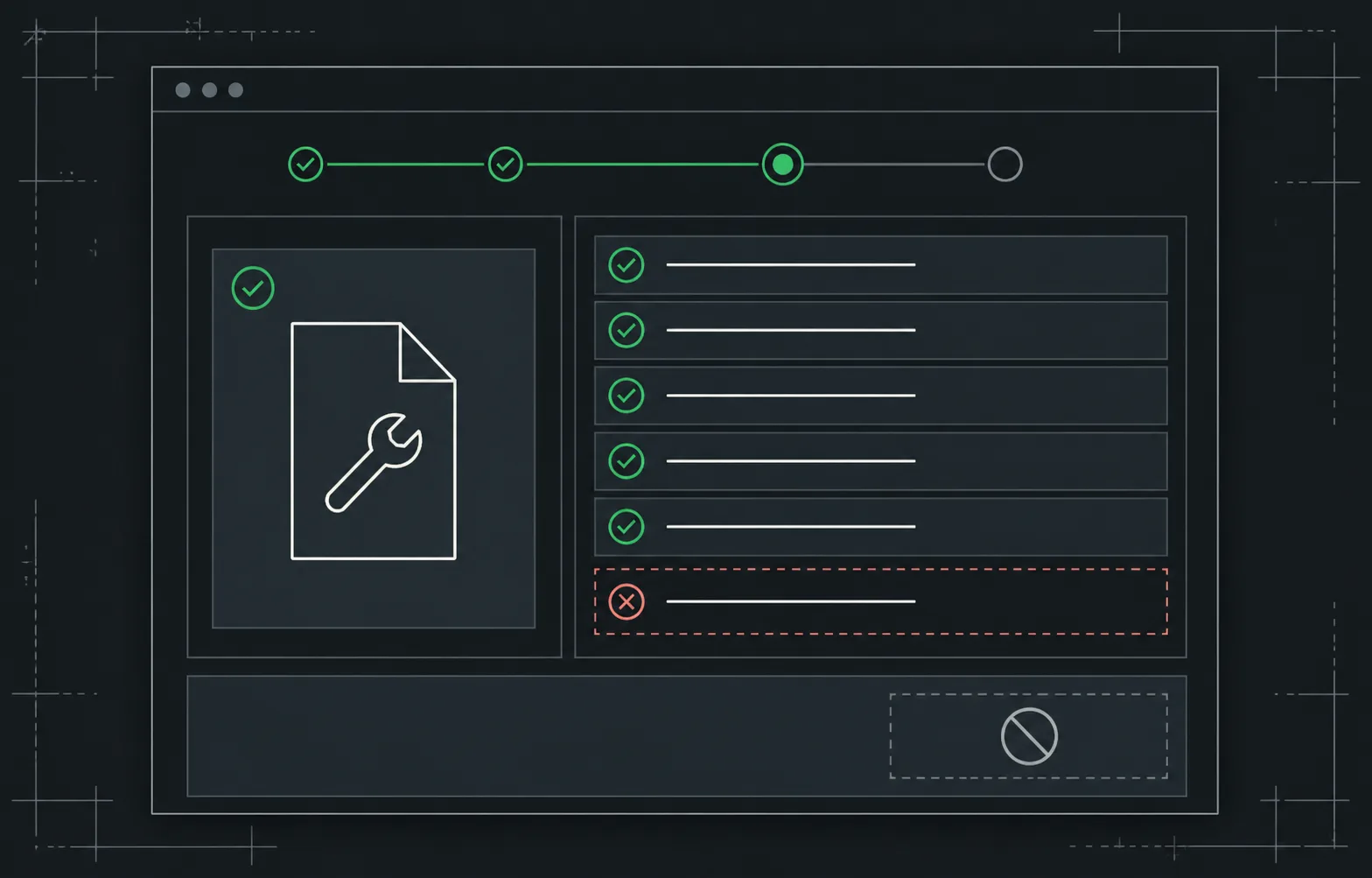
Select the issue that matches what you can see and review the recommended repair.
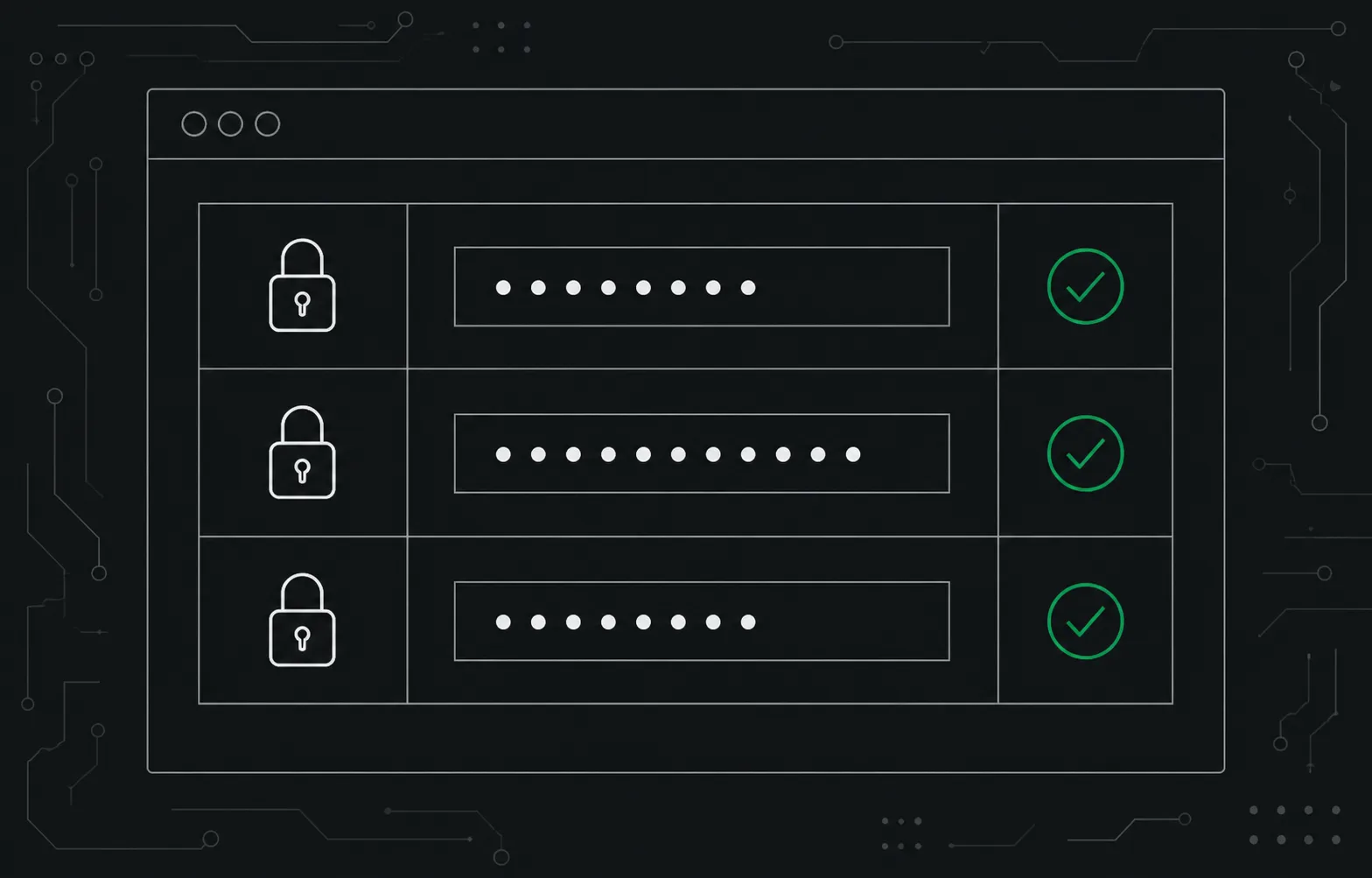
Provide the access required for the repair through the protected Webless workflow.
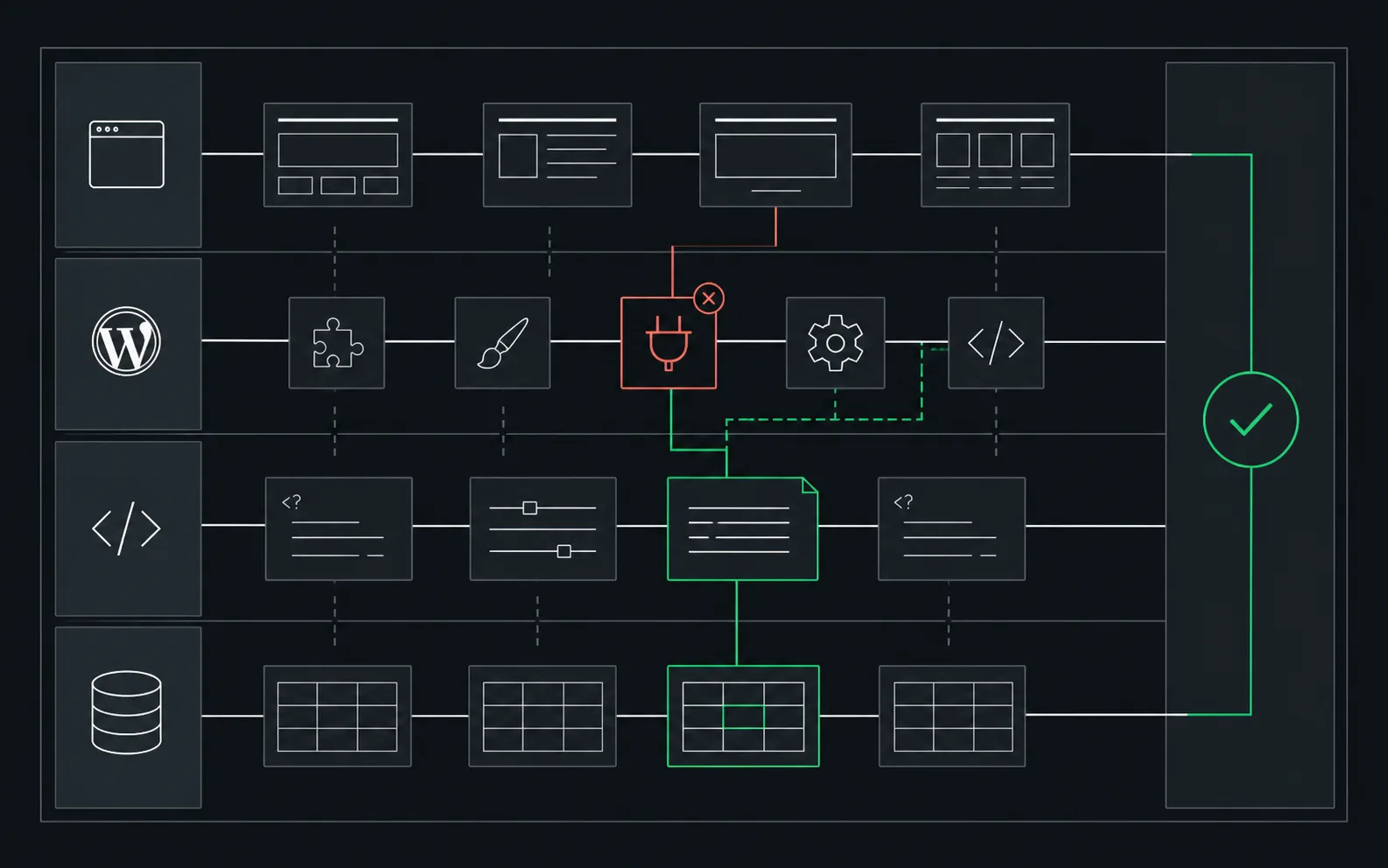
We reproduce the failure, trace the smallest controllable cause and apply the safe repair.
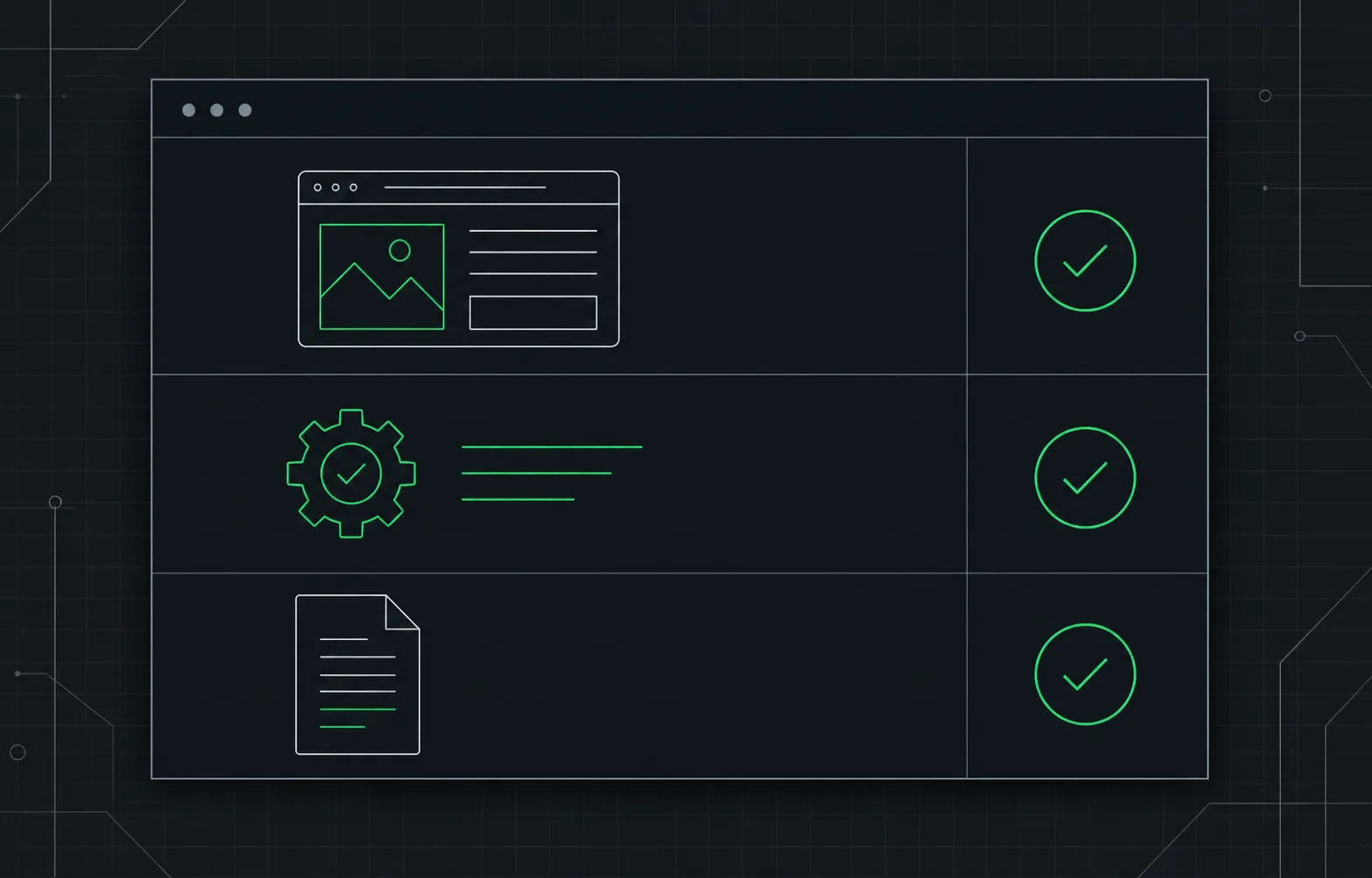
The repaired path is retested and the completed work is summarized.
FAQ
$59 USD covers one selected eligible repair on one business WordPress website or WooCommerce store. It is a one-time payment with no subscription. Database connection, maintenance-mode and unclear cases stay WhatsApp-first, with no purchase button.
The 24-hour delivery window starts when payment is complete and Webless has received usable access and the required site details through the secure requirements workflow. If access or details are missing or unusable, or the site is not ready for work, the window starts when those requirements are resolved.
You are sent to the existing secure requirements workflow so Webless can collect the site details and access needed for the repair privately.
You receive a full refund if Webless cannot complete the agreed eligible repair. The refund goes to your original payment method. See our Terms and Conditions.
Often, yes. Site-down, critical-error and update failures may require hosting, file or database access instead. The selected repair result states the likely access path.
You do not need to know. Choose the failure you can see. Reproduction and isolation are part of an eligible repair.
External provider or account decisions, unrelated failures, rebuilds and additional work are outside the selected repair. We explain the boundary before proposing anything separate.
No. One purchase covers the selected eligible repair and its completion test. A separate failure requires a separate decision.
A safe rollback or compatible configuration can be the completed repair. Rebuilding an abandoned plugin, theme or custom integration is outside the selected repair.
No. Malware, unwanted redirects, unknown administrators, injected pages and security warnings belong to the separate hacked-site recovery service.
No. Webless is an independent business WordPress service provider and is not affiliated with WordPress or Automattic.
Use the fit check. A simple interrupted update state may be smaller than the main repair offers. If another failure appears, the correct scope is identified before work continues.