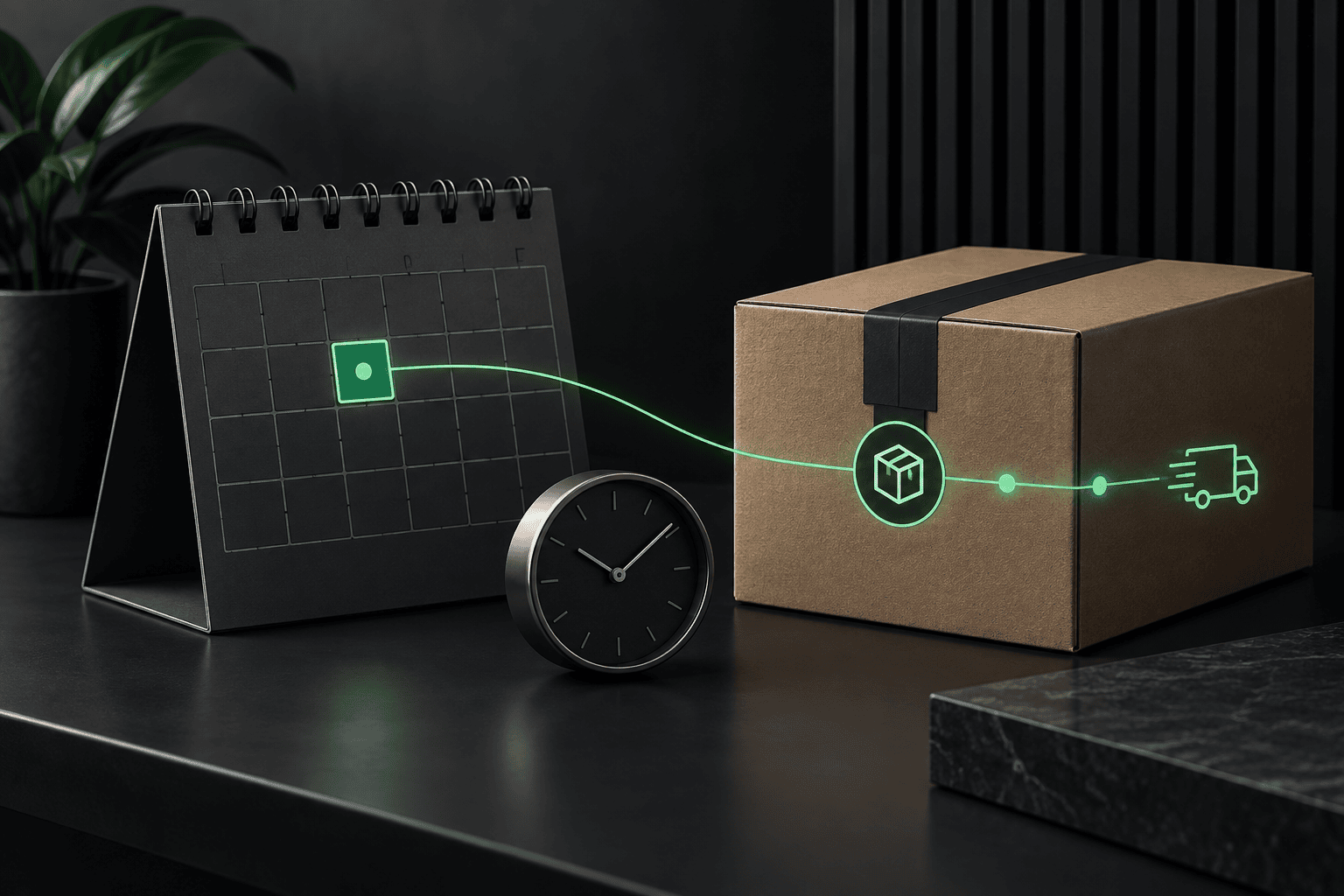
WooCommerce 11.2 Date Field: Delivery Promise or Preference?
WooCommerce 11.2 adds a Checkout block date field, not a delivery scheduler. Compare promises, required rules and staging checks before using it on your store.

WooCommerce 11.2 adds a Checkout block date field, not a delivery scheduler. Compare promises, required rules and staging checks before using it on your store.

WordPress 7.1.2 fixes a critical security issue. Check your installed version, apply the right branch update and verify the business paths that matter.

Google Calendar is busy but WooCommerce still accepts bookings? Check sync limits, event origin and capacity before adding another plugin. Get focused help.

Japanese spam in Google while your WordPress site looks normal? Separate live spam from old results, protect real pages, and find the right recovery help.

Separate wrong stock data, unavailable variations, reservations and stale storefront labels. Restore valid purchases without opening the door to overselling.

Trace missing delivery choices through addresses, zones, products and carrier integrations. Verify the repair without changing shipping prices or coverage.

Separate a broken search box from missing content, product exclusions and results-template problems. Use five searches to verify a focused repair.
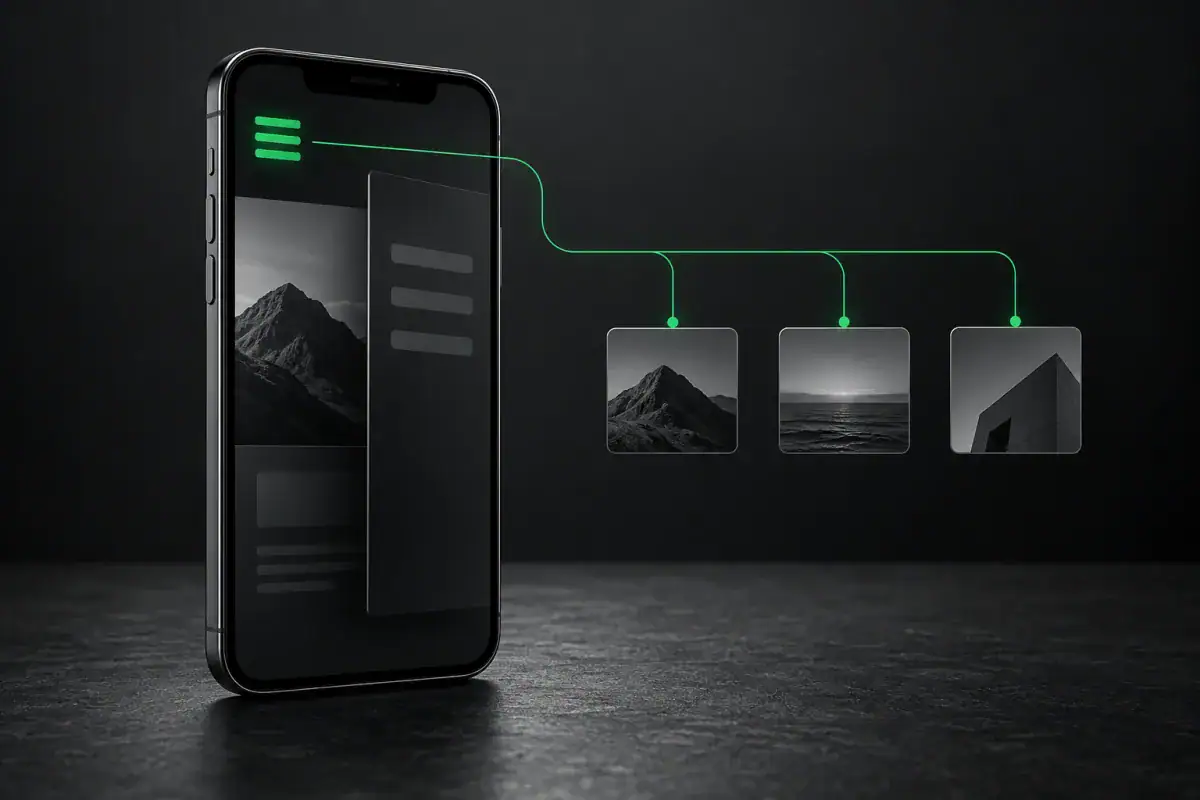
Find why a mobile menu is missing, ignores taps or opens behind the page. Check the responsible component and verify a safe repair.
Orders disappeared after a WooCommerce backup restore? Separate hidden records from missing data and reconcile payments without repeating charges or fulfillment.

Trace a WordPress redirect loop without guessing: separate SSL, domain and login conflicts, preserve evidence and choose a reversible repair.
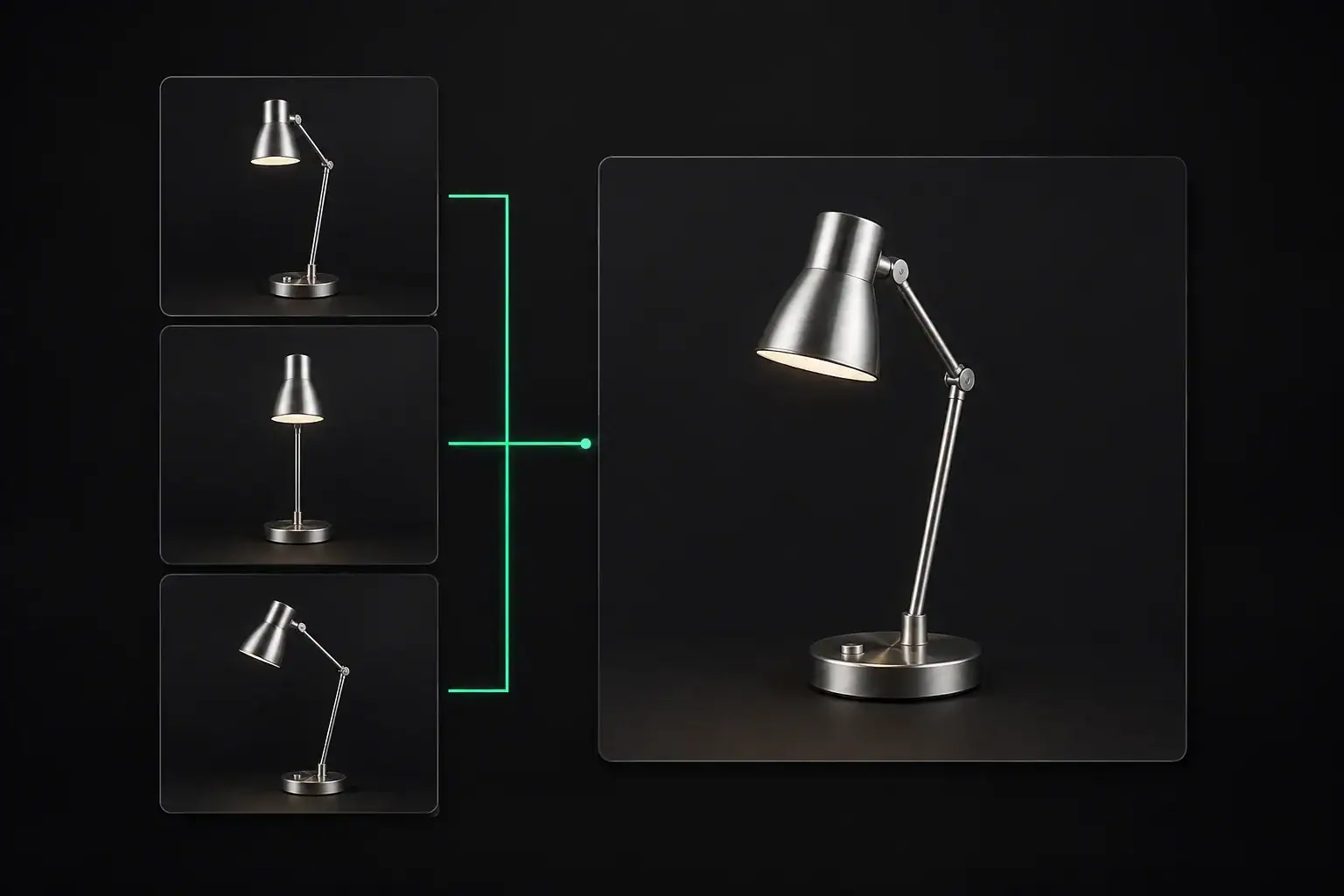
The official Additional Variation Images extension has retired. Separate expected deactivation from missing product photos before reinstalling anything.
Payment options enabled but missing at checkout? Separate provider setup, checkout compatibility, customer eligibility, and loading failures before changing your store.