
WooCommerce orders missing after a restore need a different response from a broken checkout. The store may look healthy while its database has gone back in time. Meanwhile, payments, warehouse jobs and customer emails outside WordPress may still reflect what happened before the restore.
Do not ask customers to pay again, bulk-mark orders completed, or restore another database over the current store yet. First preserve the available copies, establish the missing time window, and match each affected purchase to its payment and fulfillment evidence. A second uncontrolled change can make that comparison harder.
This guide explains how to separate a display problem from missing order data, what to collect safely, and where professional reconciliation becomes necessary. It is not a claim that every lost order can be recovered.
Why a restored store can lose recent orders
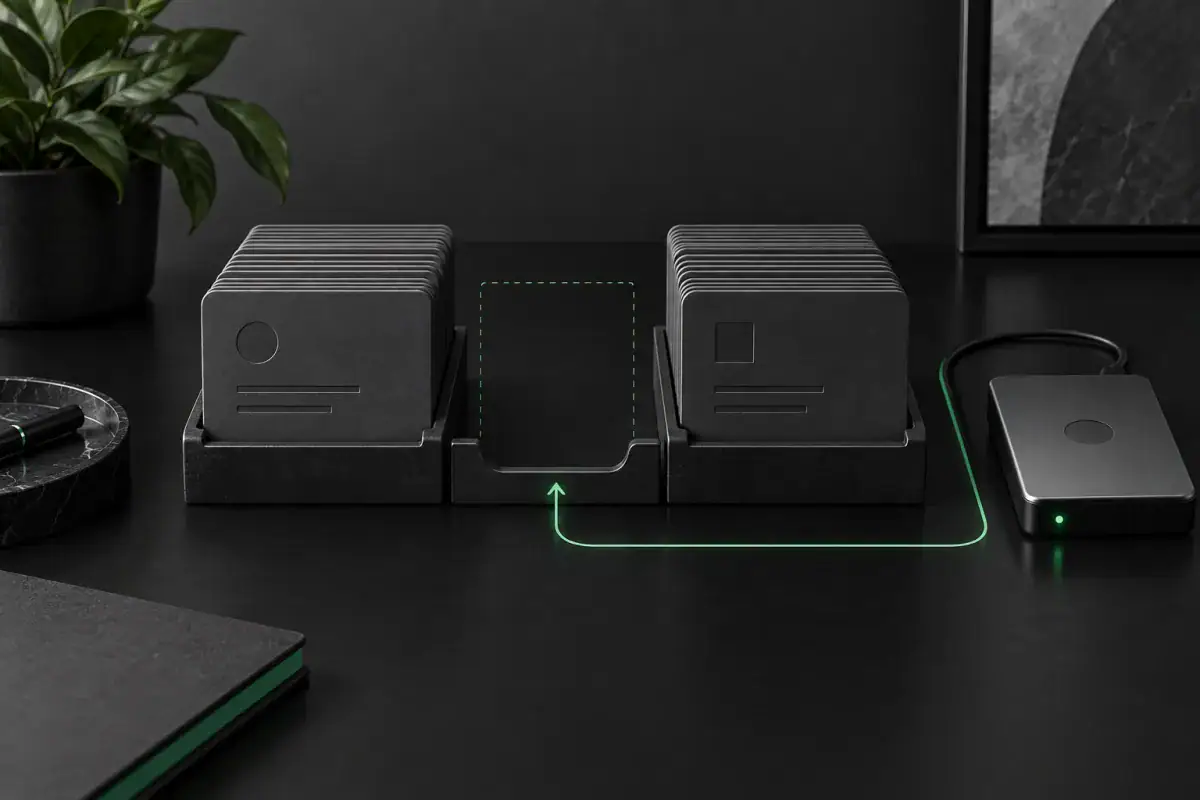
A backup represents an earlier state. For example, imagine a database snapshot from Monday at 02:00 restored on Tuesday at 14:00. Purchases made between those times may be absent from the restored database even though customers paid and received confirmations. That is an illustrative timeline, not a measured Webless incident.
WooCommerce’s official backup-restore guidance identifies this gap-period risk for orders and customer data. Subscription stores need extra care because restored scheduled renewals can also repeat work that already happened. A successful restore notification therefore does not prove the store’s transaction history is complete.
However, timing alone is not proof of deletion. You might be viewing a staging copy, a filtered order list, or an order-storage configuration that differs from the previous site. Check those possibilities before planning a data repair.
Missing WooCommerce orders: choose the right first check
Start with one known affected order and one recent order that still appears. Compare their dates and references privately. The decision table below is a diagnostic order, not a set of changes to apply all at once.
| What you can confirm | What it suggests | Next safe action |
|---|---|---|
| The order appears after clearing date, status or search filters | The list view hid it; the order was not necessarily lost | Open the order and verify its payment and fulfillment state before editing anything |
| The admin hostname or database belongs to staging or an older server | You may be inspecting the wrong copy | Ask the host to identify the current production database and preserve both copies |
| Orders before the snapshot exist, but purchases after it do not | The missing range matches a backup gap | Record the gap boundaries and locate a pre-restore copy or newer database backup |
| The backup omitted order tables or storage settings differ | The restore may be incomplete or reading a different order store | Have a WooCommerce maintainer compare the backup manifest and authoritative storage; do not toggle HPOS blindly |
| The order exists, but says pending while the gateway shows a payment | This is a payment-state mismatch, not simply a missing order | Follow the transaction and callback trail instead of creating a replacement order |
WooCommerce documents the filters and search controls on its Orders overview screen. Check the order list rather than relying only on an analytics chart or sales total. If the order exists but the payment state is wrong, use our separate guide to pending payment after a customer paid.
Preserve the current store before trying recovery
Ask the hosting or recovery owner to retain the current database, the backup that was restored, and any copy taken immediately before restoration. Give each copy a timestamp and clear environment label. Do not let a retention cleanup remove the only newer copy while the team investigates.
The current store matters too. It may already contain new orders placed after the restore. Replacing it with a different full database could recover one group of purchases while removing another. Write down when the restore started, when it finished, and when checkout became available again.
If you cannot trust new orders to reach fulfillment, agree a temporary intake plan with the store owner. That may require a controlled checkout pause and clear customer communication. It should not mean disabling every plugin, canceling existing subscriptions, or stopping unrelated business systems without understanding their role.
Keep database copies access-controlled. They can contain customer information and sensitive integration data. A public file-sharing link, a general contact form, or a screenshot full of customer details is not a suitable recovery handoff.
Check HPOS without switching the source of truth
High-Performance Order Storage, or HPOS, stores WooCommerce order data in dedicated tables. Older storage uses WordPress post tables. Compatibility mode can synchronize between the stores, so the presence of some order records in a database does not by itself identify the active source.
Ask the maintainer which storage mode was authoritative before the restore, which is active now, and whether the matching tables were included. Record the settings and synchronization state before changing them. A synchronization or mode switch is a write operation, not a harmless diagnostic click.
Do not copy a handful of database rows from an online tutorial into production. Orders have relationships and extension-specific data. A partial repair can make an order visible while leaving its other records inconsistent. The correct repair depends on the actual backups, storage configuration and installed extensions.
Build a private missing-order reconciliation worksheet
Use one row per affected purchase, not one row per email. The worksheet below is a Webless decision aid for organizing evidence. It is not a customer-data collection form, and its fields should stay in your approved private system.
| Evidence to compare | Question it answers | Limit to keep visible |
|---|---|---|
| Original order reference and creation time | Does this purchase belong inside the missing window? | A displayed order number alone may not uniquely identify a transaction across restored copies |
| Gateway transaction reference, amount, currency and current state | Was money captured, merely authorized, refunded or not collected? | A payment record is not a complete record of products, tax, delivery or customer permissions |
| Pre-restore database or another verified order export | Is the original order data still available? | The copy must be matched to the right store and time, not assumed current from its filename |
| Warehouse, shipping or digital-access evidence | Was the purchase already fulfilled? | A missing WordPress status does not prove nothing shipped or no access was granted |
| Chosen repair, reviewer and verification result | Who approved the action and how was it checked? | Unresolved evidence stays unresolved; do not silently turn it into a completed order |
Start with a small representative sample: an unfulfilled paid purchase, an already shipped purchase, and a refunded or canceled purchase if those exist in the gap. These cases expose different side effects. Comparing only one straightforward sale can hide a problem with the recovery method.
When references disagree, stop that row and investigate. Avoid guessing from the customer’s name or rounding a payment amount to make it match. Record the evidence source and who can verify it. This keeps a later support conversation from becoming a second reconstruction exercise.
Why reimporting orders can create a second incident
The goal is to restore accurate records, not to replay the purchase. Before any import or manual recreation, the maintainer should identify which changes can send email, adjust stock, grant access, create shipping tasks, or call external services in this particular store.
WooCommerce’s single-order documentation covers editing and manually adding orders. Those controls are useful, but they are not proof that a bulk recreation will preserve every extension’s history. Test the chosen method on an isolated copy with outbound actions controlled first.
For subscriptions, obtain extension-specific guidance before processing the restored queue. WooCommerce warns that renewals completed during the backup gap can return as pending scheduled work. Do not use a general instruction to run every pending action as a recovery shortcut.
Likewise, a payment provider’s dashboard should be used to verify what happened, not to initiate another charge simply because WooCommerce lost its record. Refunds and new payment requests require their own business decision; neither belongs in an automatic missing-order repair.
What must pass before recovery is considered complete
- Account for the gap. Every known affected purchase has a matched record or an explicitly unresolved status.
- Preserve newer activity. Orders created after the restore remain intact and distinguishable from recovered records.
- Match payment and fulfillment. The store’s records agree with the evidence, without a duplicate charge, shipment or access grant.
- Check connected behavior. Review stock, customer access, relevant scheduled work and integrations for the cases the repair touched.
- Prove the next normal purchase. Use an owner-approved controlled test with agreed payment and notification handling. A visible order list alone is insufficient.
- Retain the recovery record. Keep the before copies, method, exceptions and approval trail securely for the agreed retention period.
If the only surviving evidence is a payment record and an email, full reconstruction may not be possible. Say what is missing. Do not invent line items, tax details, fulfillment history or customer permissions to produce a reassuring order count.
When to ask Webless for help
A filtered list may need no development at all. Professional help becomes useful when there are several database copies, HPOS uncertainty, live orders arriving during recovery, subscriptions, or integrations that can repeat expensive actions.
Start by telling Webless when the restore happened, which backup was used, whether new orders are arriving, and which extensions handle payment or fulfillment. We can assess the evidence and propose a scoped technical review. Recovery feasibility depends on the surviving data; contacting us is not a promise that every order can be restored.
After the immediate problem, strengthen prevention with a WordPress backup restore test. That existing guide covers rehearsal and backup completeness. This page covers the different decision: what to do when a restored store is already missing purchases.