WordPress Favicon Not Showing in Google? What to Check
Your browser and Google can show different site icons. Check the favicon file, homepage output and crawler access before replacing it.

Your browser and Google can show different site icons. Check the favicon file, homepage output and crawler access before replacing it.
A new featured image can still produce an old link preview. Find whether the stale copy comes from metadata, delivery or caching.
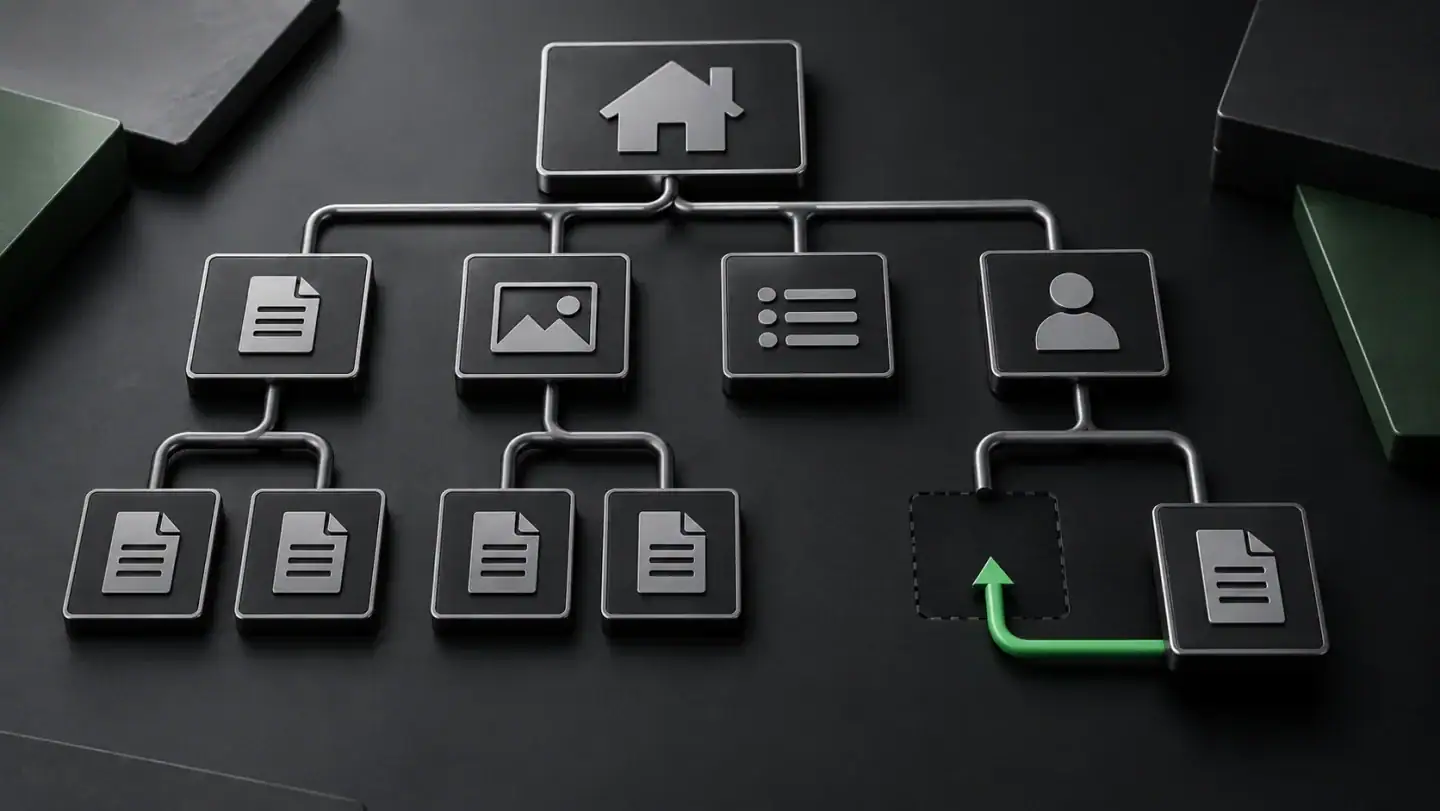
A page can be missing from a sitemap for several reasons. Check visibility, canonical settings and the XML Google actually receives.
Understand the WordPress 7.1.3 security update, the related 7.0.7 notice, and the checks to run after installation.
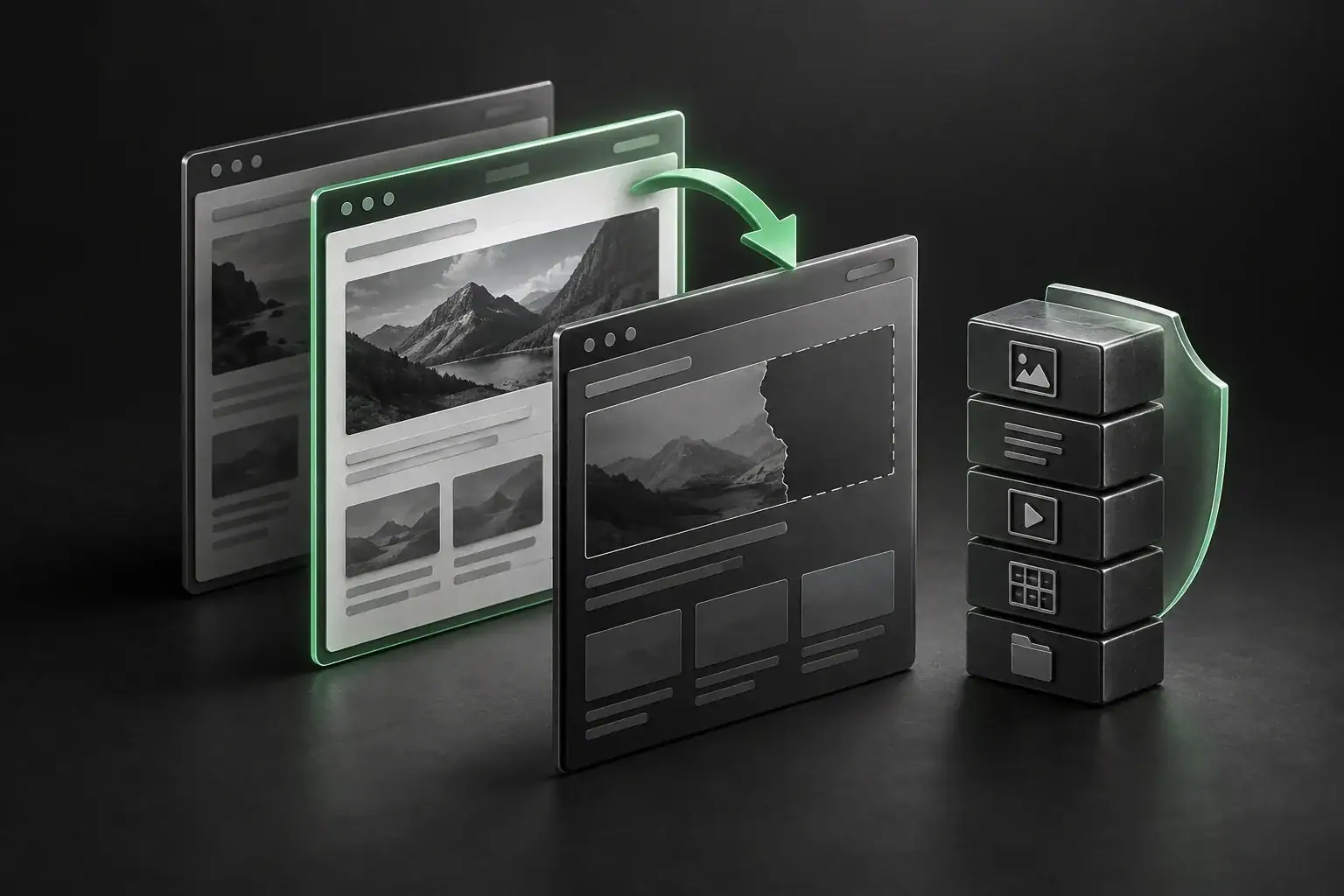
Recover an earlier WordPress page revision while preserving newer orders, enquiries and other changes elsewhere on the site.

Repeated logouts can come from session expiry, browser cookies or conflicting site URLs. Use the timing to narrow the cause.
A pending admin-email change may be waiting in a different inbox. Find the confirmation and distinguish site notices from user accounts.
See what an expired Elementor Pro licence changes, which features need renewal, and when a broken page has another cause.
WordPress says updating failed? Preserve your edits, check which fields saved, and trace the invalid JSON response before retrying or changing live settings.
PDF link broken on your WordPress site? Separate the page link, file, preview and access rule before replacing anything. Test the real visitor download.
Found your WordPress staging site in Google? Protect the test copy, remove its URLs, and check that your live pages stay indexable.
Homepage loads but WordPress pages show 404? Find whether the page, link, permalink or server route failed before changing settings or redirects.