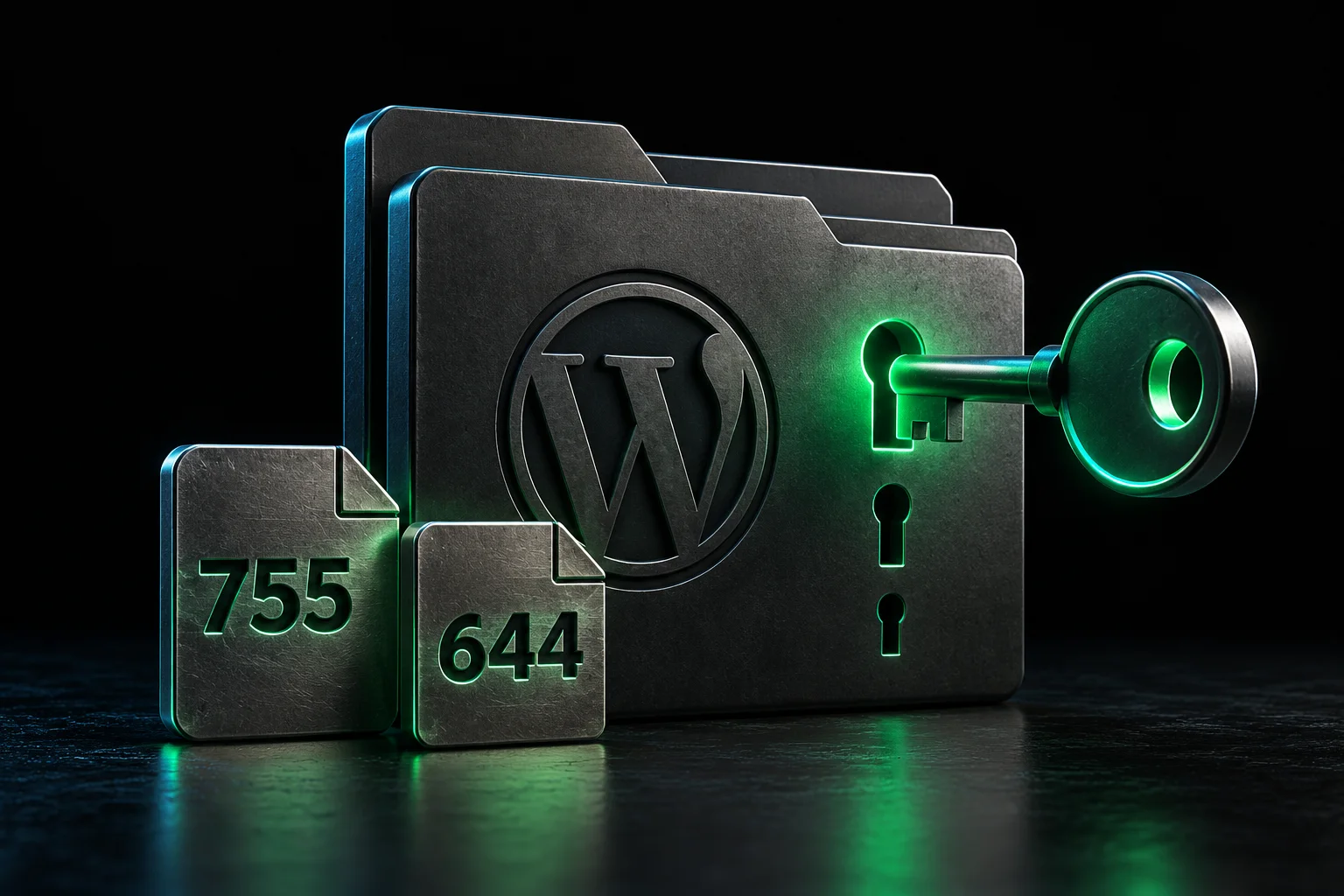
WordPress File Permissions Guide
WordPress uploads can fail even when file permissions look normal. A useful repair checks who owns the folder, which process writes to it and what access is needed.

WordPress uploads can fail even when file permissions look normal. A useful repair checks who owns the folder, which process writes to it and what access is needed.
WordPress 7.1.4 fixes security flaws in core updates and content. Confirm the installed version and test the workflows your business needs.

A login password change can leave apps connected. Revoke WordPress application passwords one integration at a time.

WordPress can close comments without deleting past replies. New posts, existing articles and product reviews each need their own controls.
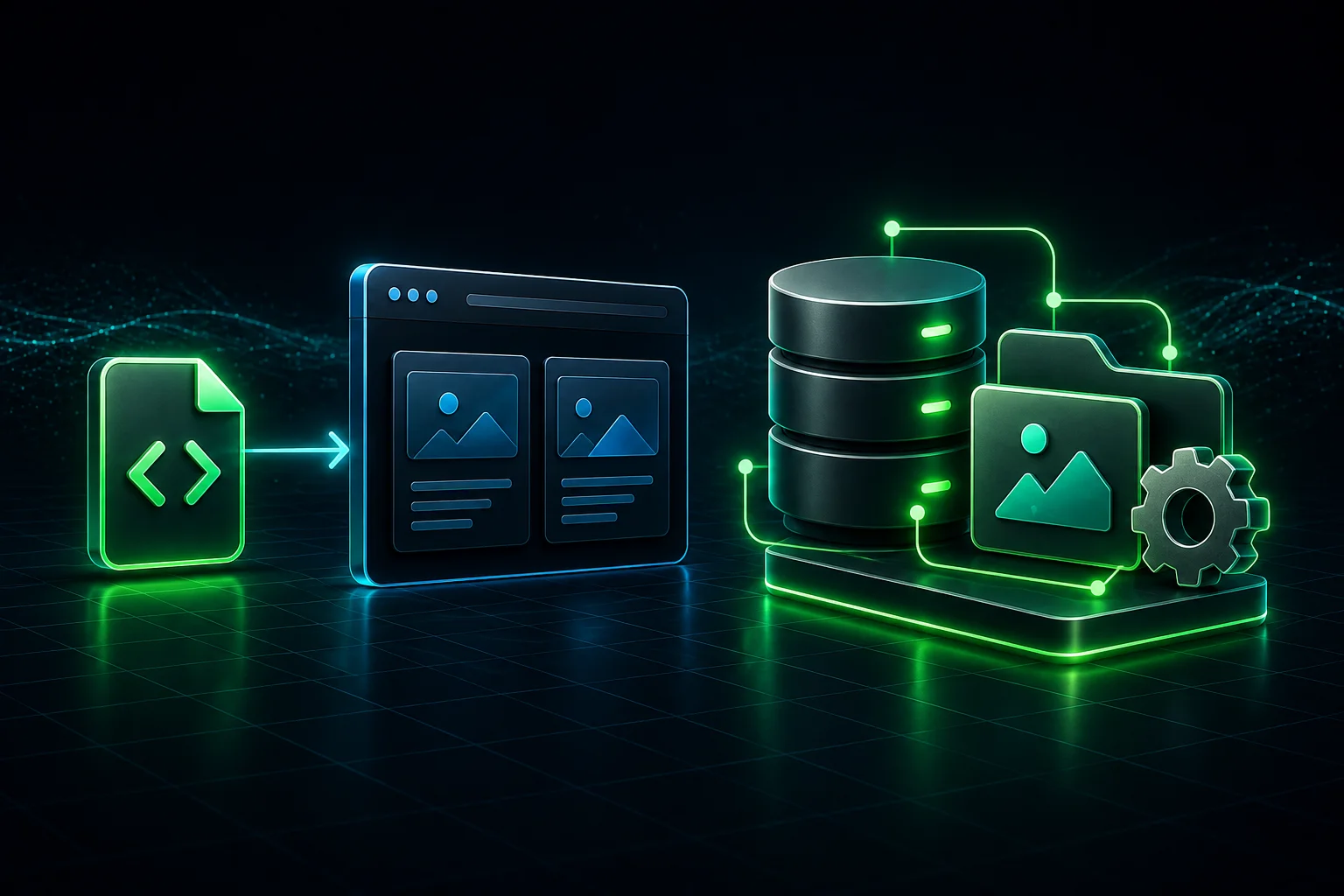
A WordPress XML export saves content, not a complete website. Check what it misses before moving hosts or relying on it for recovery.

A city follows regional clock changes; a fixed UTC offset does not. Check scheduled posts and recurring tasks before changing the WordPress timezone.

Spam filters can reject genuine leads.
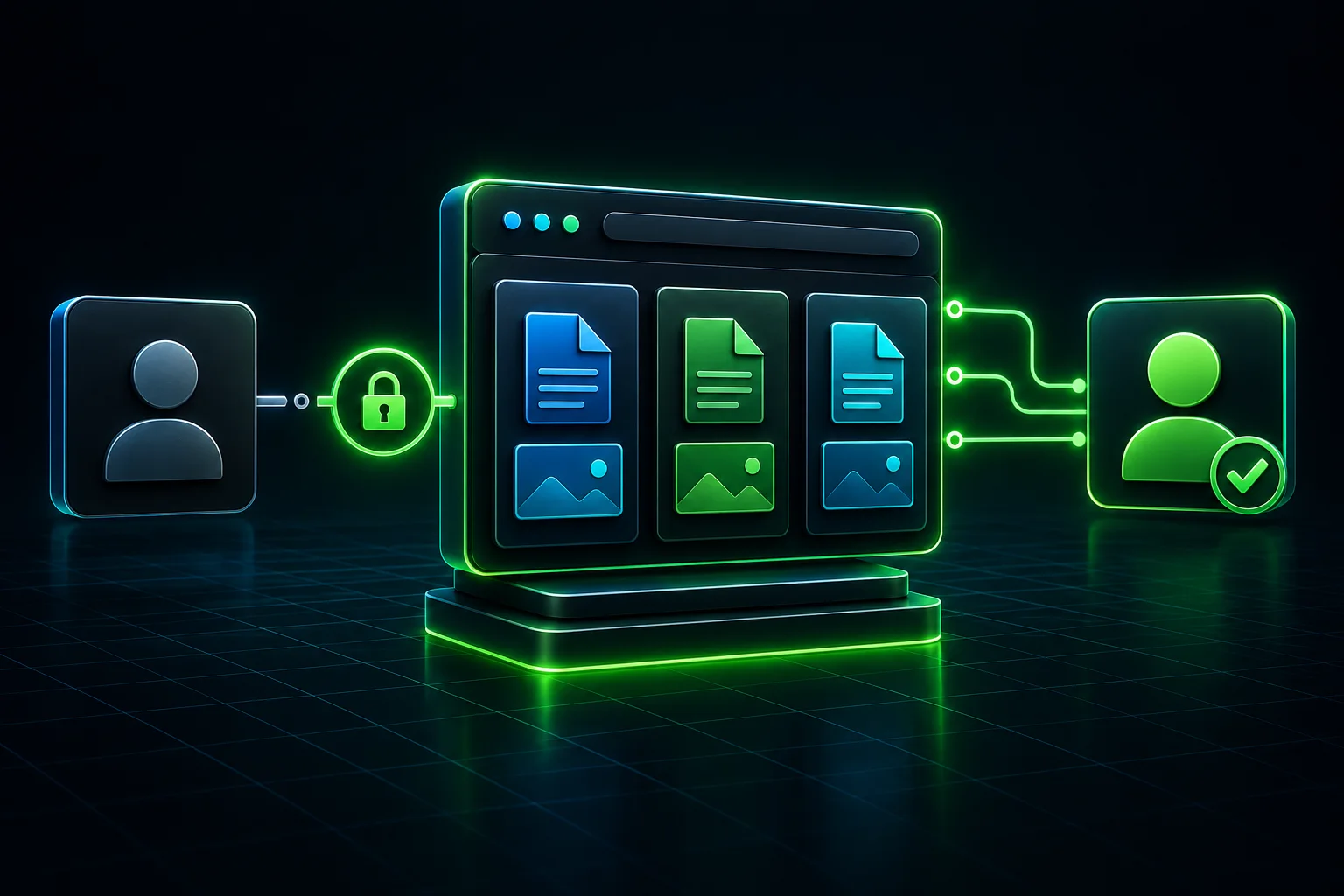
Keep posts and author credit intact when a user leaves, while closing their access.
A PHP update can expose a compatibility problem or hosting mismatch. Find the failing layer and recover your WordPress site without undoing the security fix.

A hosting announcement does not confirm your website is patched. Check WordPress’s running PHP version and ask your host for the evidence that matters.

PHP2Shell patches address two critical PHP flaws. See the fixed versions, the NSA warning and what this means for your website.

WordPress backups share server resources with visitors. Better timing and backup methods can reduce disruption while preserving recovery.