
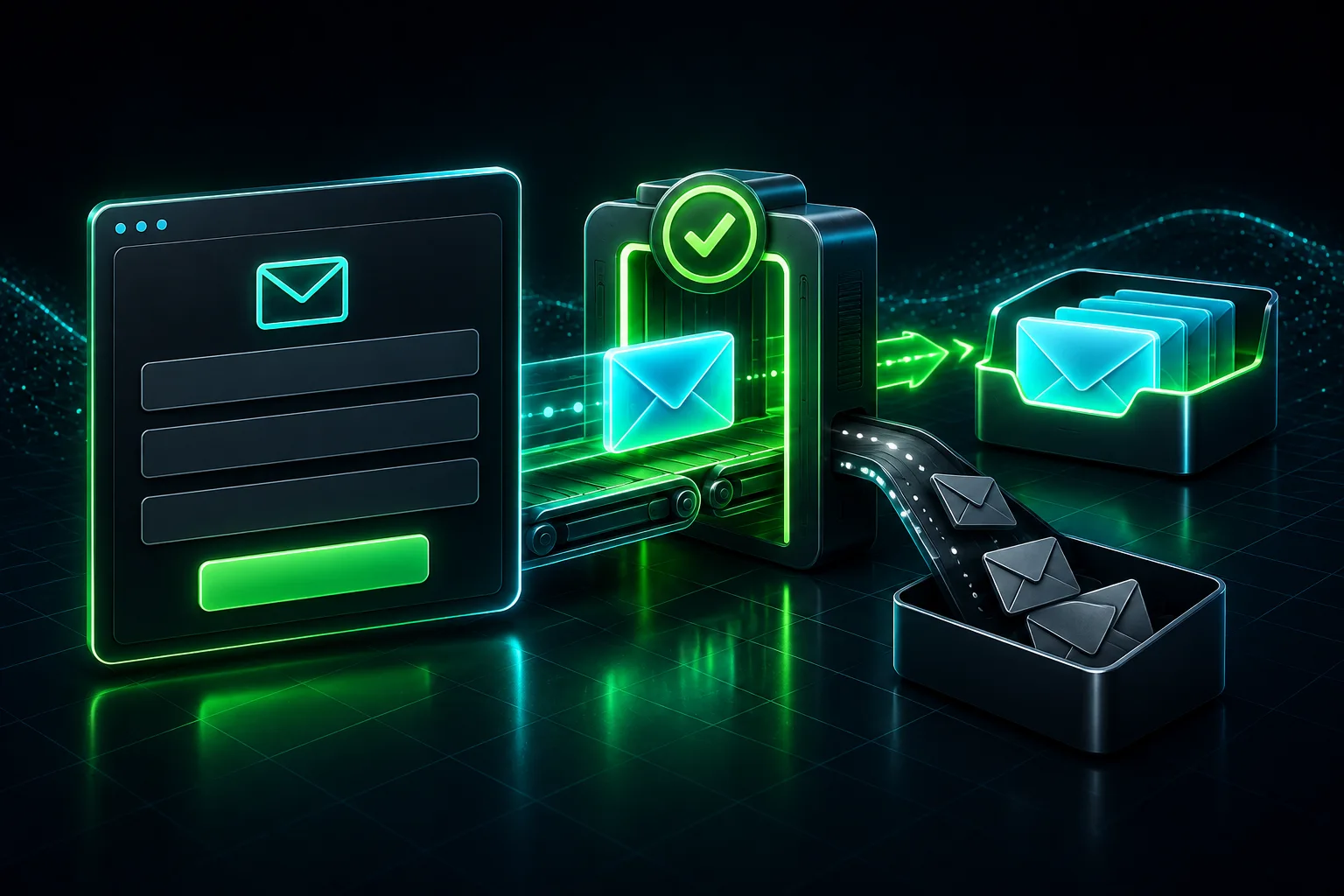
WordPress contact form spam needs two checks: is the filter stopping junk, and can a genuine customer still reach you? An empty inbox is not a useful result if the quotation form now rejects everyone. Start with the exact form customers use and the reason each message was accepted or blocked, rather than adding another CAPTCHA plugin immediately.
This guide is for business owners receiving unwanted enquiries or hearing that legitimate messages are being rejected. It covers form-level filtering. If a message is accepted but its notification never arrives, follow the separate WordPress contact form email-delivery guide. Spam filtering and email delivery are different parts of the enquiry route.
Identify where the unwanted message entered
Keep a small private sample of the unwanted messages with their timestamps and the form page. Do not open attachments or follow links in suspicious messages. Check whether the email corresponds to a stored submission, if storage is enabled. A message that merely claims to come from your website is not proof that it passed through your form.
Find the public page in WordPress and identify its actual form, including any popup or mobile version. Match its identifier to the form editor. An old landing page can use a different form from your main Contact page, even when they look identical.
| What you observe | Check first | Do not assume |
|---|---|---|
| Unwanted messages appear as accepted submissions | The form’s enabled filters and their recorded decisions | A visible CAPTCHA means the integration is complete |
| A real visitor gets a spam or verification error | The exact error, time and filter responsible | The visitor is a spammer |
| The form accepts a message but no email arrives | Notification settings, sending logs and the receiving mailbox | A stricter form filter will fix delivery |
| Suspicious email has no matching saved entry | Whether this form stores submissions and how the email was received | Missing storage proves the form was bypassed |
Keep the evidence private. Redact names, reply addresses, message contents, IP addresses and credentials before sharing a screenshot. Our guide to where WordPress form data goes explains why the inbox may be only one destination.
Check the filter in the form’s native settings
Record the current configuration before changing it: form identifier, enabled protection, integration owner, relevant conditions and the last known working date. Save an export or private screenshots without exposing secret keys. Settings can apply to one form or several, so establish the scope first.
Use the documentation for your installed form plugin and integration. Do not paste a second widget into the page simply because another tutorial uses one. That can leave two competing checks or a decorative widget disconnected from submission handling.
Contact Form 7: inspect the integration, not only the badge
In WordPress, open Contact > Contact Forms and select the form used on the public page. Inspect the Form tab and then Contact > Integration for its connected protection services. These are inspection steps; you do not need to replace keys or activate another service to establish the baseline.
For Turnstile, the official Contact Form 7 instructions use the Turnstile section of Contact > Integration. Contact Form 7 handles the widget embedding. Its documented integration applies across its contact forms, so an approved integration change needs checks beyond a single page.
Akismet requires form-specific field options in Contact Form 7, not just an active Akismet plugin. The official Akismet integration guide documents akismet:author for a name field and akismet:author_email for an email field. Ask the maintainer to check the existing fields before changing their names or tags, because notification templates and other integrations may depend on them.
Do not transfer these menu paths or field options to Fluent Forms, Elementor Forms or another plugin. Identify that plugin’s native integration and per-form controls instead.
When genuine enquiries are marked as spam
Record the visitor’s exact message and time without asking them to resend sensitive information. A generic sending error can hide more than one cause. Contact Form 7’s official FAQ distinguishes a spam-related orange response border from a mail-sending failure with a red border. A theme may change the appearance, so use the recorded status and logs as well as colour.
Where Contact Form 7 and Flamingo are already configured, inspect Flamingo > Inbound Messages and the Spam list. Open the matching message and review the spam log. Contact Form 7 documents this reason-logging feature specifically to identify which protection module blocked a submission.
Do not install storage or enable extensive logging without considering what information it will retain and who may access it. If no decision log exists, record the cause as unknown. Do not lower a score threshold, add a broad allowlist or switch protection off merely to make one test pass.
Akismet can misclassify legitimate messages. Its integration documentation explains the Not Spam correction in Flamingo, which also reports the false positive to Akismet. Confirm the message is genuine before using that action. Correcting one classification is not proof that every future enquiry will pass.
Why a CAPTCHA can appear to work while spam continues
A widget on the page is only the visible part. For a custom Turnstile implementation, Cloudflare requires server-side Siteverify validation; the widget alone is insufficient. Ask the developer to confirm that a failed verification prevents processing the form and its connected actions.
Cloudflare’s tokens expire after five minutes and can be validated only once. An expired or reused token can therefore explain a rejection, including a form left open while someone writes a long enquiry. The integration needs to refresh and handle that state correctly. Do not ask an owner to disable verification or publish the secret key to work around it.
Compare a fresh page with the reported failing session. Also check whether consent controls or a script-loading change prevents the required integration from running. Reproduce that condition on staging with the maintainer. A blocked script, a rejected token and an unwanted message that passed verification call for different fixes.
A worked example: the quote form rejects a real prospect
Imagine a business receiving promotional junk through its quotation page. After a filter change, a prospect reports an error while an employee’s quick test succeeds. This is a hypothetical example, not a Webless client result.
The useful comparison is not simply employee versus customer. Record the same page, browser state, consent choice and time spent completing the form. The prospect may have left the page open, while the employee submitted immediately. A matching expired-token error would support reviewing token refresh; it would not support blocking the prospect’s email domain.
If the log instead identifies content filtering, review that specific rule and the genuine message privately. If the form accepted the request and the notification disappeared later, move to delivery diagnosis. Change only the evidenced part, keep the previous configuration and repeat the same approved test.
Test both protection and the enquiry route
Agree the test with the site owner and the people responsible for email, CRM or automations. Use synthetic details and a tester-controlled address. A form submission can create a sales task or start an email sequence, so do not use real customer data or repeatedly submit on production without approval.
- Normal enquiry: check a fresh logged-out desktop and mobile session. Confirm the visible result and each intended destination.
- Reported failure: repeat the relevant condition, such as a longer completion time or a particular consent choice. Record the exact outcome rather than generalising from one success.
- Protection check: use the integration vendor’s documented test method in a controlled environment. Confirm the rejection does not create unintended downstream records.
- After the change: compare accepted junk and known legitimate failures over comparable periods. Do not treat fewer total submissions as evidence of better filtering.
Stop if a genuine enquiry is newly rejected, an unexpected destination receives data, or the test cannot be traced. Restore the previous approved configuration where safe and investigate the specific failure before expanding the change.
When to involve your WordPress developer
Ask for help when the filter cannot be matched to the public form, logs contradict the visible result, or custom code handles verification. Share the page, form identifier, redacted error and timestamp. Keep passwords, keys and customer messages out of ordinary contact requests.
Adding a provider also changes the data route. Contact Form 7’s privacy notices identify activated spam and verification integrations that may send personal data to a provider. Review that setup with the responsible owner before enabling it; a working filter is not a privacy-compliance assessment.
Webless’s WordPress development services are the relevant path for discussing a broken form or custom integration. The useful outcome is a verified enquiry route with a known filtering decision, not another green badge.