
WooCommerce Page Speed: Why Product Pages Feel Slow
WooCommerce page speed can fail at the server, gallery, variations, add-ons, scripts, or cache. Use this diagnostic order before changing plugins.

WooCommerce page speed can fail at the server, gallery, variations, add-ons, scripts, or cache. Use this diagnostic order before changing plugins.

A practical WordPress development brief for defining goals, pages, features, content, integrations, quality requirements, handoff, and a realistic quote.

A useful WordPress maintenance report should explain what changed, what was tested, what needs attention, and whether the site stayed healthy.

A Core Web Vitals audit should show what is slow, why it happens, and what to fix first. Use this checklist before paying for random speed settings.

A traffic spike can turn a healthy WordPress site into a slow or unstable one. Use this preparation checklist before a launch, campaign, sale, or press mention.

Use this WordPress speed optimization service checklist before you pay: audits, Core Web Vitals, caching, images, code cleanup, and safe verification.

Compare WordPress maintenance services by risk, backups, security, updates, support, speed, and testing before choosing a care plan.

A practical WordPress caching setup should make business sites faster without breaking forms, checkout, tracking, SEO, or fresh content.

Cloudflare APO can make WordPress HTML reach visitors faster, but it is not a full speed fix. Here is when APO helps, what to avoid, and how to test it safely.
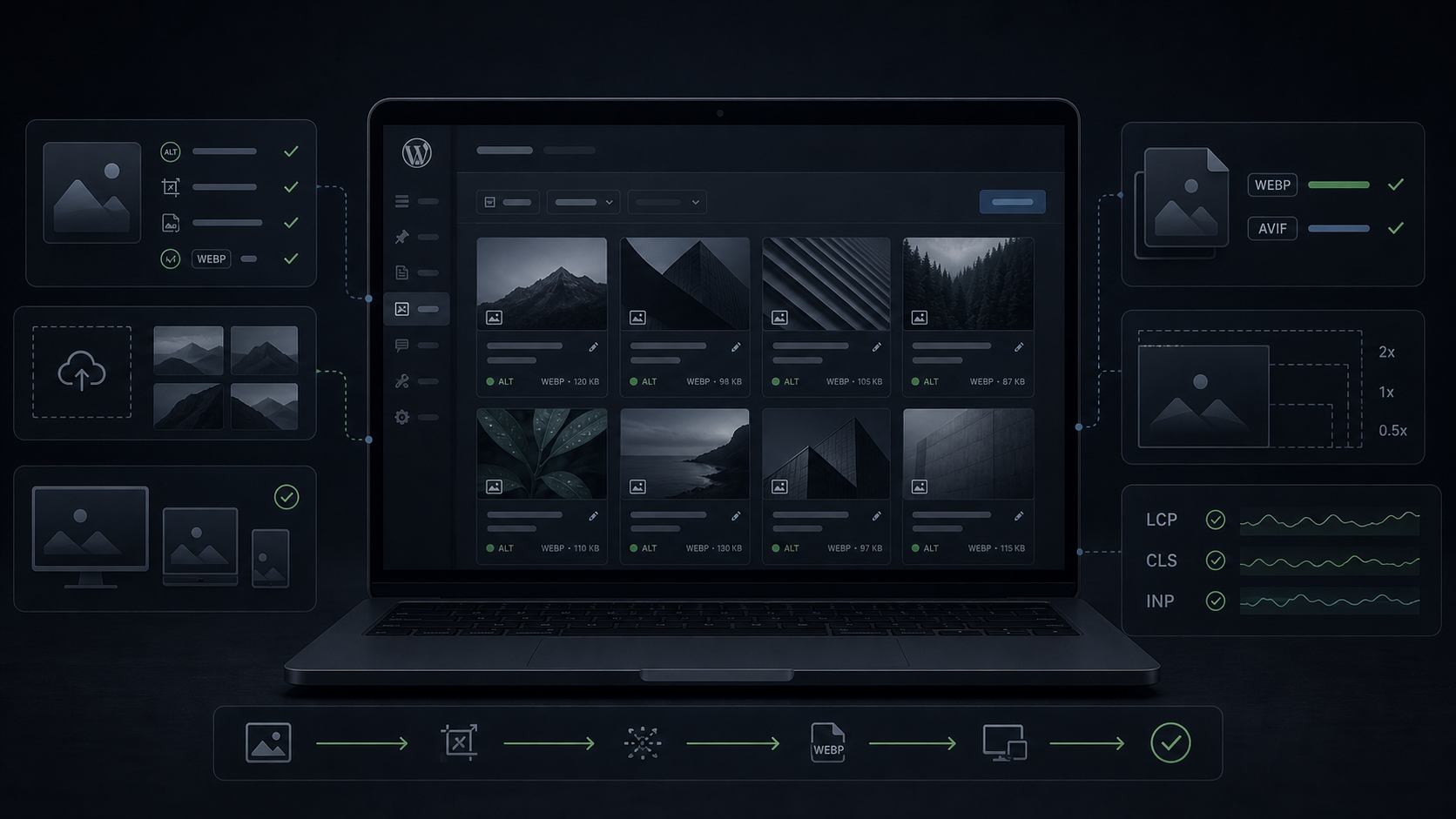
Use this WordPress image SEO checklist to fix alt text, file names, WebP, lazy loading, image sizes, CLS, and LCP without hurting speed.

PageSpeed Insights vs Core Web Vitals can disagree for good reasons. Learn how to read lab scores, field data, Search Console groups, and WordPress performance clues before changing plugins or cache settings.

Elementor add-ons can improve a site, but they can also hurt Core Web Vitals. Learn how to audit widgets, scripts, LCP, INP, and layout risk before adding more plugins.