
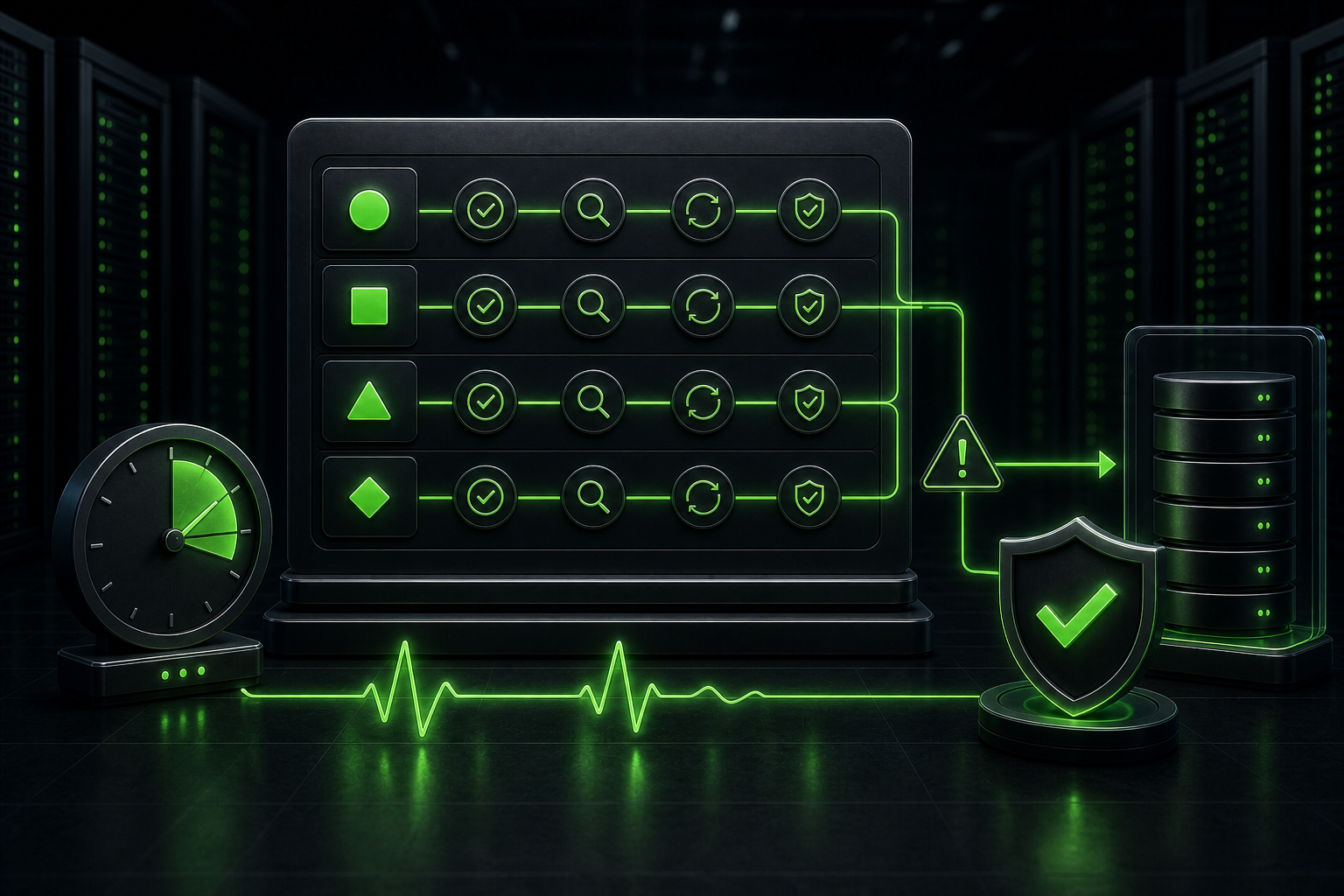
A WordPress maintenance SLA should tell you what happens after a real problem appears. It should define who responds, how the incident is classified, when investigation starts, and which part of the recovery falls inside the plan.
That sounds simple. However, many care plans use phrases such as fast support, priority help, or uptime monitoring without defining them. Those words feel reassuring until a checkout stops working on Saturday, a contact form fails silently, or an update takes the site offline. At that point, the wording matters more than the feature list.
An SLA Should Define The Response, Not Promise A Perfect Website
A service-level agreement sets measurable expectations for support and service delivery. For WordPress maintenance, that usually means response targets, coverage hours, incident priorities, monitoring responsibilities, escalation paths, and exclusions.
It does not mean the website can never fail. A maintenance provider may depend on your host, domain registrar, CDN, payment gateway, email service, plugin vendors, and people inside your business. No single provider controls every layer.
A useful agreement focuses on what the provider can control. For example, it can promise how quickly someone will acknowledge a verified incident, start an investigation, communicate progress, restore a safe version when possible, or escalate the issue to the hosting company. That is much more useful than a vague promise of perfect uptime.
How A WordPress Maintenance SLA Separates Response From Resolution
The first line I look for in a support agreement is the definition of response time. It should mean more than an automatic ticket receipt.
Initial response time is the target for a qualified person to acknowledge the issue and begin triage. Investigation time covers the first technical checks. Restoration time is the time needed to return the important service to a usable state. Resolution time ends when the underlying fault has been fixed and verified.
These stages can be very different. A developer may respond in fifteen minutes, confirm that a payment gateway is failing, and restore an earlier checkout configuration. The final vendor-side repair could still take hours. The provider met a fast response target, but the full resolution depended on someone else.
| Stage | What it should mean | What the client should receive |
|---|---|---|
| Confirmation | A person has seen the incident and accepted ownership of the next step | Acknowledgement, priority level, and the next update time |
| Investigation | Technical checks have started on the affected journey and supporting systems | Known symptoms, likely cause, and immediate risk |
| Restoration | The business-critical function works again, possibly through a safe temporary measure | What was restored, what changed, and what still needs attention |
| Resolution | The root cause has been repaired and the fix has passed verification | Final status, evidence, and any prevention work |
If a plan only promises a response, ask what happens next. If it only promises a resolution target, ask how third-party delays and complex development faults are handled.
A four-hour response can mean Monday, not Friday
Put the support promise on a calendar before you compare providers. The following is a worked example, not a Webless response-time guarantee or a report of a client incident. Assume a complete ticket reaches the agreed channel at 16:30 on Friday. Both parties use the same time zone, Monday is not a holiday, and there are no paused-clock conditions.
| The agreement says | The response target lands at | What that does not establish |
|---|---|---|
| Four elapsed hours, with support coverage running continuously. | Friday at 20:30. | It does not promise that checkout will work by 20:30. |
| Four support hours, counted only from 09:00 to 17:00, Monday to Friday. | Monday at 12:30: half an hour counts on Friday and the remaining three and a half hours count on Monday. | It does not provide weekend emergency handling unless that is separately included. |
| Four-hour response, but no coverage calendar or clock-start rule. | You cannot calculate a dependable deadline from the headline. | Do not assume that an email receipt starts a staffed repair or that the shortest interpretation applies. |
Now add one more question: what must the first response contain? An automated acknowledgement, a human asking for access, and a technician starting diagnosis are different events. Ask the provider to identify which event satisfies the target and when you will receive the next progress update.
For a store, name the business journey rather than saying only that the website is down. For example: customers can browse products, but a test payment fails. Agree who confirms that symptom, who can authorize a reversible restoration, and what evidence shows that orders work again. Do not interrupt a live checkout or place chargeable test orders just to rehearse an SLA discussion.
Check the boundary between a hosting SLA and WordPress repair
A hosting availability commitment answers a different question from an application-support commitment. As checked on September 5, 2026, WP Engine’s published SLA defines service availability, excluded downtime, and service credits. Read the current terms for your own host and plan; those hosting terms are not a promise from Webless or a deadline for repairing a particular WordPress plugin.
Use this three-way ownership check when reviewing a care plan:
- Infrastructure: Who opens the hosting ticket if the server or network fails, and who keeps you updated while the host investigates?
- Application: Who diagnoses a broken form, checkout, theme, or integration when the server still answers normally?
- Business verification: Who confirms that a real customer journey works again, rather than closing the incident after the homepage returns?
Ask each provider to walk through the same Friday scenario using its actual written coverage. Record the ticket channel, clock start, first human action, escalation owner, approval needed, and next update. Leave an unanswered item marked as unknown rather than filling it with a sales-page assumption. This gives you a useful comparison without pretending that every website needs the same response target.
If the ownership gap is the reason you are considering a new provider, contact Webless about your support requirements. Share the affected business journeys and the coverage you need, without sending passwords or API keys in the first message. Confirm the proposed scope and availability before you buy; this example does not add new commitments to a maintenance plan.
Build Priority Around Business Impact
A WordPress maintenance SLA works best when priority follows business impact. A broken checkout deserves a different path from a typo on an About page. Slow administration can be urgent for an editorial team, while the same symptom may be tolerable on a brochure site.
The agreement should describe severity with examples that match your website. A practical model looks like this:
| Priority | Typical WordPress example | Expected handling |
|---|---|---|
| Critical | The whole site is unavailable, checkout cannot accept orders, or an active security incident threatens data | Immediate escalation, rapid triage, frequent updates, and restoration first |
| High | A lead form fails, a key customer journey breaks, or a release causes a serious visible error | Priority investigation and a clear restoration plan |
| Normal | A non-critical feature has a defect, the admin area is slow, or a page has a limited layout issue | Scheduled diagnosis within the normal support window |
| Planned | A content edit, design adjustment, new feature request, or non-urgent improvement | Estimate, scheduling, and scope confirmation before work starts |
This model prevents two common problems. First, every request stops becoming an emergency. Second, the provider cannot quietly downgrade a revenue-blocking incident to normal support.
Follow One Incident From Alert To Verified Repair
Imagine a WooCommerce store where customers can add products to the basket but cannot complete payment. The homepage still loads, so a simple uptime monitor stays green. A transaction check or customer report reveals the real incident.
The support team should first confirm the failed journey and classify the impact. Next, it should check recent releases, payment-gateway status, PHP errors, checkout scripts, caching rules, and server health. If a plugin update caused the failure, the safest restoration may be a controlled rollback rather than an immediate code rewrite.
Once payment works again, the work is not finished. The team should place a test order, confirm the order reaches WordPress, verify customer and admin emails, check analytics or purchase tracking, and record the cause. A strong agreement makes these stages visible. A weak one may close the ticket as soon as the checkout page loads.
This example also shows why resolution targets need context. A maintenance provider can restore the previous stable version quickly, while a permanent vendor patch arrives later. The client needs to know which event stops the emergency clock and which follow-up remains open.
A WordPress Maintenance SLA Cannot Guarantee Uptime
WordPress documentation recommends monitoring the site from both internal and external perspectives. It also notes that a website can answer requests while still performing poorly for users. That is why a serious maintenance setup should combine availability checks with performance and transaction monitoring.
Still, a monitor only detects a symptom. It does not guarantee availability. The maintenance provider may receive an alert and react quickly, but the outage could come from the data centre, DNS provider, CDN, payment service, or an expired account controlled by the client.
Ask what the provider actually monitors. A homepage check will not catch every failure. A business site may also need checks for forms, login, checkout, scheduled jobs, SSL expiry, domain expiry, error spikes, and the pages that generate leads.
The error monitoring routine explains why uptime and PHP logs work better together. One tells you that a journey failed. The other often shows what changed before the failure.
Coverage Hours Change The Meaning Of Fast Support
A two-hour response target has little value if the clock only runs during business hours in another time zone. The agreement should state the support calendar, time zone, holiday policy, emergency hours, and the channel that starts the timer.
Email, chat, phone, and ticket systems may not receive the same priority. A message sent to a developer’s personal inbox should not be treated like a properly opened critical incident. The contact path needs to be simple enough that the right person can use it under pressure.
Also check whether monitoring alerts create incidents automatically. If the provider only reacts after the client reports a problem, then “24/7 monitoring” and “24/7 response” are not the same service.
A WordPress Maintenance SLA Needs An Emergency Boundary
Emergency support should protect the existing website. It should not become unlimited development at the fastest priority.
A reasonable emergency scope may include triage, rollback, backup restoration, disabling a broken release, isolating a plugin conflict, fixing a critical configuration error, or coordinating with the host. It may exclude a new feature, a major redesign, unsupported custom code, third-party account recovery, or rebuilding a compromised site without a usable backup.
Those exclusions are not automatically a red flag. Clear boundaries help the provider reserve emergency capacity for genuine incidents. The real red flag is discovering the boundary only after the website fails.
For release-related incidents, a documented staging and deployment process should sit beside the SLA. It reduces avoidable emergencies and gives the team a safer rollback path.
Recovery Depends On Backups You Can Actually Restore
A response target cannot compensate for a missing or untested backup. Before agreeing to restoration language, confirm what gets backed up, how often it runs, where copies live, how long they remain available, and who tests them.
A WooCommerce store may need a different recovery plan from a brochure site. Restoring yesterday’s database could bring the layout back while losing recent orders. In that case, the team may restore files or configuration without replacing live transactional data.
The monthly maintenance runbook shows where restore checks, update records, and business-journey tests belong in routine work. The SLA should explain how those preparations support emergency recovery.
Read The Exclusions Before The Response Targets
Most disagreements start in the exclusions section. Read it before comparing headline response times.
- Does the clock pause while the provider waits for client access or approval?
- Are hosting, DNS, email, CDN, and payment-provider failures excluded from resolution targets?
- Does emergency work require an active maintenance plan or a separate fee?
- Are custom plugins and third-party integrations supported?
- Does the agreement cover malware cleanup or only detection and containment?
- Who pays for premium licenses, vendor support, or replacement software?
- What happens when the safest fix requires a larger development project?
A clear answer does not need to cover every rare scenario. It should make ownership obvious enough that the team can act without arguing during an outage.
Test The WordPress Maintenance SLA Before You Need It
Do not wait for a live outage to discover how the process works. Ask the provider to walk through one believable incident before the contract starts. Choose a scenario that matters to your site, such as a failed form, broken checkout, DNS mistake, security alert, or release rollback.
Then ask who receives the alert, which channel opens the incident, how severity is chosen, when the first human update arrives, who can approve a rollback, and what evidence closes the ticket. This short exercise exposes missing access, unclear authority, and unrealistic assumptions.
The test should also include your own responsibilities. Keep current billing details for hosting and domains, maintain access to key accounts, name the person who can approve emergency changes, and decide who communicates with customers. The agreement cannot work well when the provider lacks access or waits hours for permission.
Use This Scorecard Before You Choose A Plan
When comparing WordPress maintenance services, score the agreement on clarity rather than the shortest advertised response.
- Definitions: Does the plan separate confirmation, investigation, restoration, and resolution?
- Priorities: Are severity levels tied to real business impact?
- Coverage: Are hours, time zone, holidays, and emergency availability explicit?
- Monitoring: Does it cover critical journeys, not only the homepage?
- Communication: Will you receive a next-update time and one clear owner?
- Recovery: Are backup scope, restore responsibility, and live-data risks defined?
- Dependencies: Does the plan explain how hosting and vendor incidents are escalated?
- Exclusions: Can you see what requires separate development work or fees?
- Reporting: Will completed incidents appear in a useful maintenance report?
- Fit: Does the support level match the real cost of downtime for your site?
The maintenance pricing options can help you compare routine care levels. However, the right plan still depends on the website’s revenue paths, integrations, publishing activity, and recovery needs.
When A Formal SLA Is Worth The Extra Work
A small brochure site may not need a detailed contract with several severity tiers. Clear support hours, dependable backups, routine checks, and a sensible emergency contact may be enough.
A formal WordPress maintenance SLA becomes more valuable when the site handles orders, paid campaigns, bookings, memberships, business-critical forms, frequent releases, or custom integrations. It also helps when several people need to know who owns the next step.
Webless approaches this discussion by mapping the agreement to the website’s actual failure points. We look at the journeys that create revenue, the systems outside WordPress, the recovery options, and the difference between routine maintenance and development work.
If your current plan uses broad promises but leaves the recovery path unclear, ask Webless to review the maintenance setup. The useful outcome is not a longer contract. It is a faster, calmer decision when the website has a real problem.