
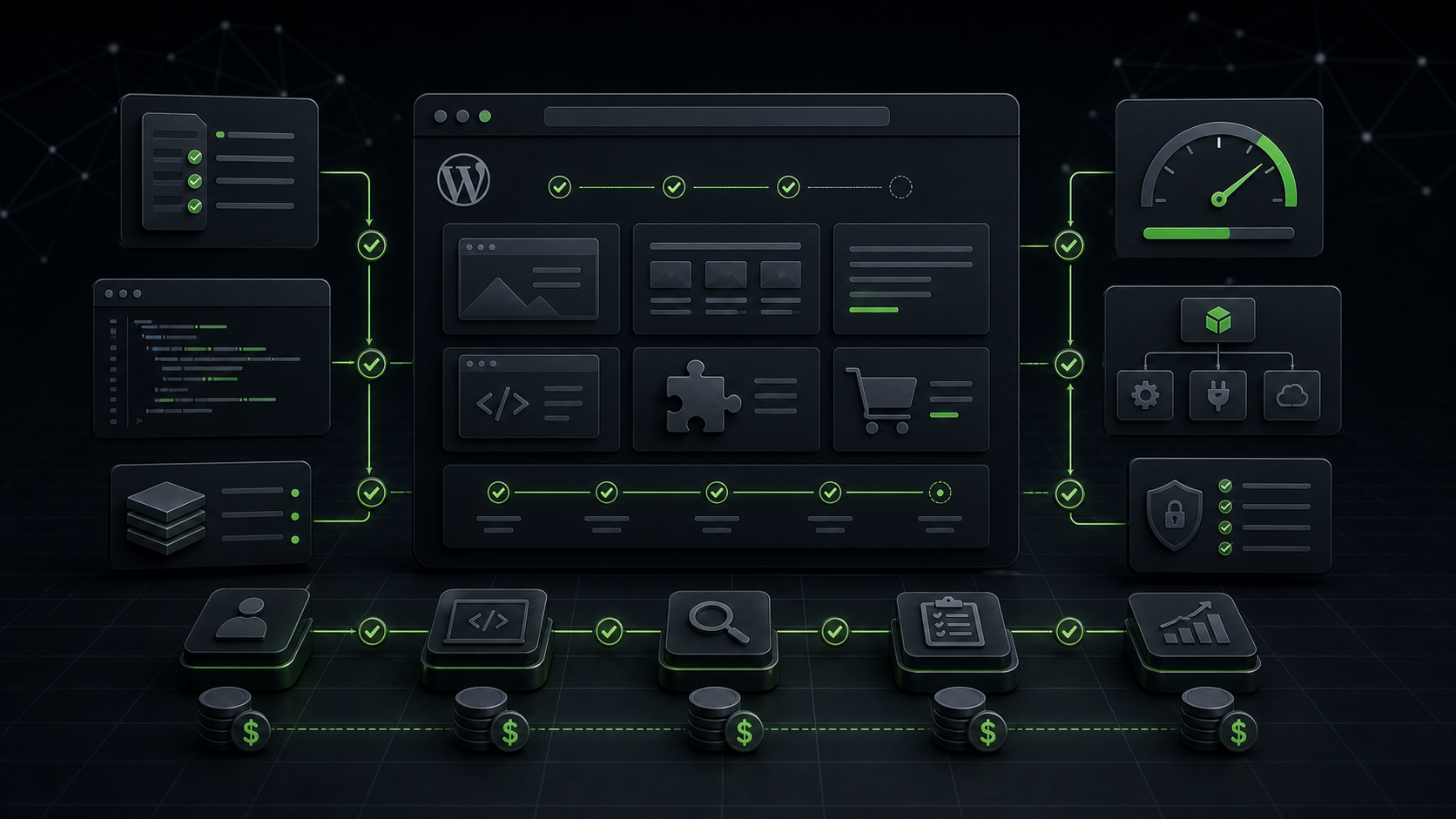
WordPress development cost is one of those topics where the honest answer is annoying at first: it depends. Not because agencies want to hide the price, but because two projects with the same page count can need completely different work.
A five-page brochure site can be simple if the design is ready, the content is clear, and the features stay close to normal WordPress behavior. Another five-page site can become much more expensive if it needs WooCommerce logic, custom fields, multilingual setup, booking flows, performance repair, API integrations, or careful migration from an old build.
I think about WordPress development cost less like buying a page and more like buying a working system. The question is not only “how many pages do we need?” It is “what should the site do, what can break, how fast should it be, and who will maintain it after launch?”
The short answer
The biggest cost drivers are scope, uncertainty, integrations, content readiness, custom functionality, WooCommerce complexity, performance requirements, and testing depth. A cheaper quote usually removes some of those layers. A better quote explains them before work starts.
That is why two WordPress development projects can look similar from the outside and feel completely different behind the scenes. One project needs careful theme work. The next needs plugin cleanup. A store may need checkout testing. A content-heavy site may need a safer way to manage updates without breaking the design every time the team edits a page.
| Cost factor | Why it matters | What to clarify before quoting |
|---|---|---|
| Scope | More templates, sections, and states require more planning and QA. | Which pages, templates, forms, and content types are actually needed? |
| Design readiness | Approved design reduces guesswork and revision loops. | Do we have final desktop and mobile designs, or only examples? |
| Custom features | Custom logic needs architecture, testing, and maintenance planning. | Can WordPress handle this natively, or do we need custom development? |
| WooCommerce | Checkout, payments, shipping, tax, and emails add business risk. | Which buying paths must work without surprises? |
| Performance | A fast build needs cleaner templates, lighter assets, and measured decisions. | Which pages matter most for speed and Core Web Vitals? |
| Maintenance | A site that nobody can update becomes expensive later. | Who will update content, plugins, backups, and security after launch? |
The cheapest quote is often missing context
A low quote can be fair when the project is small, clear, and low-risk. I do not treat cheap as automatically bad. A simple landing page with prepared copy, a familiar layout, and no special integrations should not be priced like a custom WooCommerce build.
The problem starts when a quote looks low because it skips discovery. Nobody checks the old site. Plugins do not get reviewed. Forms stay untested. Redirects, analytics, speed work, schema, backups, and the launch process may never enter the conversation. The price looks clean because the risk stays hidden.
That hidden risk usually returns later as urgent fixes. The developer asks for more budget after finding messy theme code. Then the client realizes the mobile layout was never planned. By launch week, the forms may fail, Core Web Vitals may drop, or the team may be unable to edit important sections without breaking spacing.
A useful development quote should make assumptions visible. If something is not included, say it. Discovery needs should be named early. When the old site may need cleanup first, say it before the project becomes a rebuild under pressure.
Theme work, plugin work, and custom code are different jobs
WordPress development is not one single task. A project may involve theme templates, custom blocks, plugin configuration, custom plugins, data migration, API work, forms, membership logic, checkout flows, security hardening, and performance cleanup.
The official WordPress Developer Resources show how broad the platform is: themes, plugins, hooks, REST APIs, block development, and advanced administration all sit under the same WordPress umbrella. That breadth is good, but it also explains why cost changes so much from one project to another.
For example, a page-builder project may cost less at the start because the site uses visual tools. That can be the right decision for a small business. But if the site later needs custom product filters, unusual booking logic, or cleaner performance, the project moves from “assemble the layout” into development work.
Custom code also needs discipline. A small snippet can solve a real problem. A messy snippet can become a future support ticket. Good development should make the site easier to run, not more mysterious.
Where WordPress development cost increases fastest
The cost usually increases fastest when the project affects money, data, search visibility, or daily operations. Those areas need more testing because mistakes hurt more.
WooCommerce and payment flows
WooCommerce work needs careful thinking. Product pages, cart behavior, checkout fields, payment gateways, shipping rules, tax logic, customer emails, coupons, and order statuses all connect to revenue. A design change on checkout is not just a design change. It can affect conversion and support.
This is why I do not like rushing WooCommerce builds with generic plugin stacks. The store needs a clear flow, safe cache exclusions, working email delivery, and a test order path before launch. Our post on WooCommerce maintenance support covers the kind of checks that matter after the store is already live.
Custom content and editing workflows
A site may look simple but need structured content behind the scenes. Case studies, service areas, team profiles, resources, locations, calculators, comparison pages, or directories all need content models. If editors need to update those areas without touching layouts, development needs to handle that properly.
This kind of work can save time later. A clean editing system costs more than a one-off hardcoded layout, but it reduces mistakes and makes future content easier to publish.
Integrations and migrations
Integrations add uncertainty. A CRM, booking system, payment provider, analytics setup, email platform, membership tool, or external API can behave differently from the documentation. Migration work adds similar risk because old content, redirects, images, users, orders, and metadata all need careful handling.
The safe move is to define what must transfer, what can be archived, and what needs testing after launch. A rushed migration can create broken internal links, missing images, duplicate pages, or lost search value.
Performance requirements
Performance can change the whole build approach. If the project needs strong Core Web Vitals, the developer should care about image sizes, DOM weight, script loading, template structure, caching, and mobile behavior from the beginning.
That is where WordPress development services for performance connect directly with cost. Fixing a heavy build after launch usually costs more than building the important templates with performance in mind from the start.
When development is cheaper than another plugin
Adding a plugin can be cheaper today and more expensive later. I still use plugins when they are the right tool. A good plugin can handle forms, SEO, caching, backups, security, fields, or ecommerce faster than custom code.
But another plugin is not always the cheaper choice. If a site only needs one small feature, a large plugin may load extra scripts, add settings nobody uses, and create update risk. If three plugins overlap to solve one workflow, the maintenance cost can grow quietly.
Development makes sense when a focused custom feature removes complexity. It also makes sense when the current plugin stack slows the site, creates conflicts, or gives editors too much room to break a critical page. Our comparison of custom WordPress development vs page builders goes deeper into that tradeoff.
What Webless checks before quoting development work
Before giving a serious estimate, Webless should understand the goal, the existing site, and the business risk. A quick price without context can be useful for rough planning, but it should not pretend to be a final answer.
The checks usually include:
- What the site needs to achieve commercially.
- Which pages, templates, forms, and features matter most.
- Whether the site needs a new build, a focused repair, or a smaller improvement.
- How the current theme, plugins, hosting, and cache behave.
- Whether WooCommerce, booking, memberships, or custom integrations are involved.
- How content will be edited after launch.
- What needs to happen for SEO, redirects, schema, speed, security, and tracking.
That discovery protects both sides. The client sees what the work includes. The developer can plan the project with fewer surprises. If the budget is tight, the team can reduce scope intentionally instead of pretending every nice-to-have belongs in the first version.
How pricing pages should be used
A pricing page is useful for orientation. It helps a client understand the service level, common deliverables, and what kind of budget range may fit the problem. It should not replace a project conversation when the scope includes custom work.
For a current Webless service overview, start with our WordPress development services page. If you want package context, check the WordPress development services pricing page. Those pages are better places for current service details than a blog post, because packages can change over time.
This article is about the decision logic. The right quote still depends on what the site needs to do, how risky the existing setup is, and how much testing the project requires.
Do not ignore maintenance after development
Development cost does not stop at launch. WordPress needs updates, backups, uptime checks, security reviews, plugin compatibility checks, cache purges, and occasional content or layout changes. A site that launches cleanly can still drift if nobody maintains it.
That matters for budgeting. If you spend everything on the initial build and leave no room for care, the site can become slower, riskier, and harder to update. A better plan includes both the build and the ongoing ownership model.
For many business sites, WordPress maintenance services are what keep development work stable. The maintenance layer catches plugin updates, broken forms, cache issues, and slowdowns before they turn into larger rebuild problems.
How to ask for a useful WordPress development quote
If you want a useful quote, give the developer more than a page count. Share the current URL, examples you like, the main business goal, must-have features, content status, deadline, integrations, and what already feels painful about the current site.
It also helps to separate must-haves from nice-to-haves. A first version does not need to solve every future idea. It needs to solve the right problems cleanly. That is how you control WordPress development cost without damaging the result.
Here is the simple version I would send:
- What does the site need to achieve?
- Which pages or templates are required for launch?
- What features affect leads, sales, bookings, or support?
- What needs to move from the old site?
- Who will edit the site after launch?
- Which pages need strong speed and SEO attention?
Those answers make the quote more realistic. They also show whether you need a full build, a smaller repair, performance-focused development, or a maintenance plan first.
Final answer: pay for clarity, not just pages
WordPress development cost makes more sense when you stop pricing only by pages and start pricing by responsibility. A good project needs the right scope, clean implementation, safe testing, SEO awareness, performance thinking, and a maintenance path.
If the site is simple, keep the scope simple. If the site affects leads, sales, rankings, or operations, give the planning and testing enough room. That is usually cheaper than fixing rushed work later.
If you want help deciding what your site actually needs, send the URL through the Webless contact page. We can look at the current setup and point you toward the right level of WordPress development, speed optimization, or maintenance support.