
WooCommerce maintenance support should protect the checkout first
WooCommerce maintenance support is different from basic WordPress care because an online store has a live money path. A normal business site can survive a broken gallery or a styling issue for a short time. A store can lose orders when checkout fails, payment scripts conflict, product filters stop working, transactional emails fail, or a slow cart makes people leave before paying.
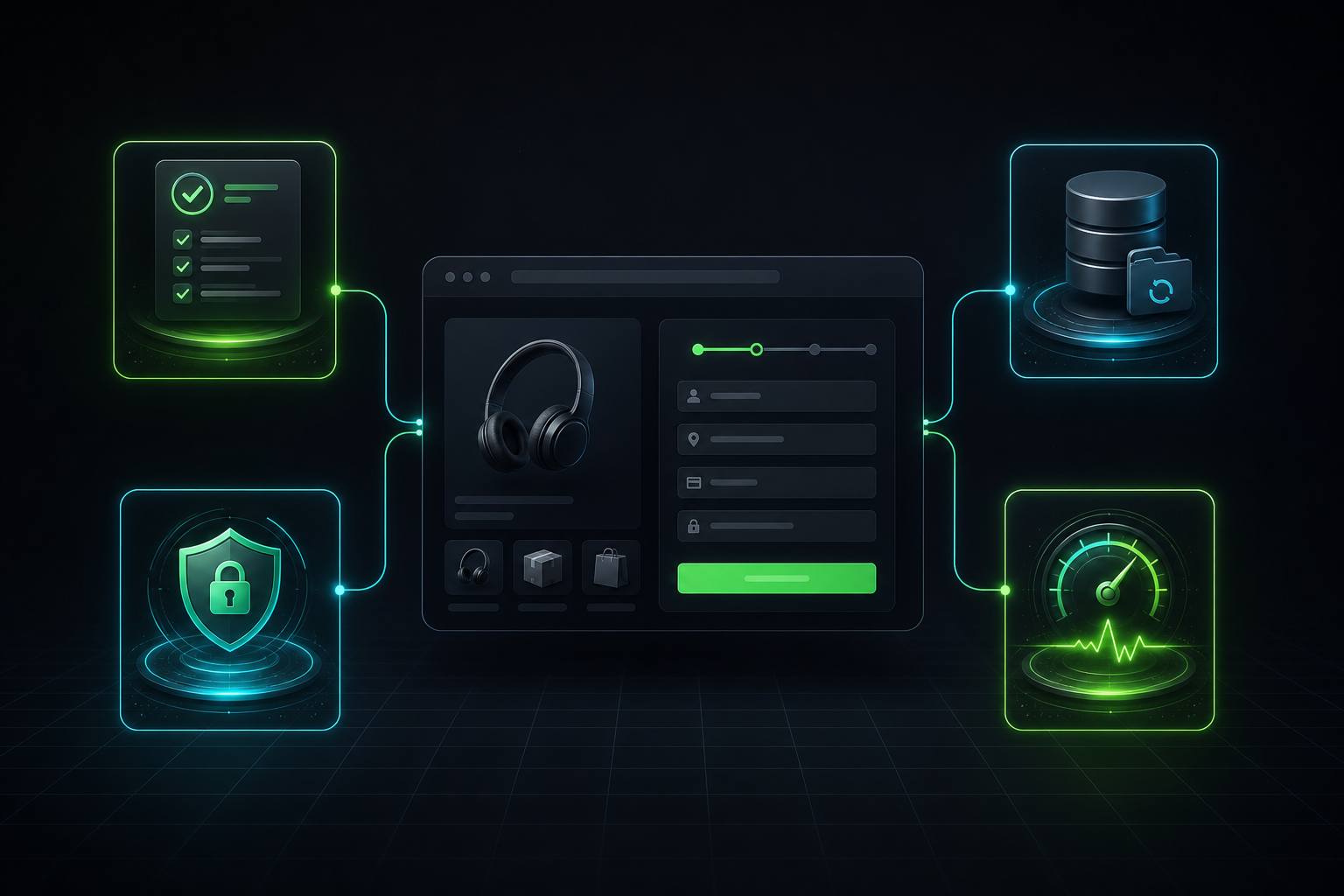
That is why I would not judge a WooCommerce care plan only by whether it updates plugins. Updates matter, but they are only one part of the work. A useful plan also checks backups, payment flow, order emails, speed, security, database growth, and the small theme or plugin conflicts that often appear after a routine change.
The practical question is simple: if your store had a bad update tomorrow morning, could someone restore it, test checkout, find the cause, and make the site stable again without guessing? If the answer is unclear, the store needs stronger maintenance, not just more notifications in wp-admin.
Why WooCommerce stores need a stricter care routine
WooCommerce sits on WordPress, but it adds more moving parts. A store usually has products, carts, coupons, taxes, shipping rules, payment gateways, abandoned-cart scripts, analytics, product feeds, email templates, customer accounts, and order data. Each part can affect the buying path.
That creates a different maintenance standard. A blog update can focus on uptime, security, and layout. A WooCommerce update also needs order-flow testing. Someone should check that a product can enter the cart, shipping rates load, payment methods appear, confirmation pages work, and order emails send correctly.
WooCommerce itself recommends careful update handling, including staging tests and preventing checkout activity during production updates when needed. Their WooCommerce update documentation is a useful reminder that live store updates need more care than a simple plugin click.
This does not mean every small store needs an enterprise process. It means the maintenance routine should match the risk. If the store takes daily orders, runs paid ads, relies on product feeds, or has custom checkout logic, the maintenance process should treat checkout as the most important page on the website.
What a good WooCommerce care plan should include
A strong plan should cover the boring work and the business-critical work. The boring work prevents most problems. The business-critical work catches problems before customers do.
| Maintenance area | What should be checked | Why it matters |
|---|---|---|
| Updates | WordPress core, WooCommerce, extensions, theme, and PHP compatibility | Old software increases security and compatibility risk, while rushed updates can break store features. |
| Backups | Database, uploads, orders, products, settings, and restore process | A backup that cannot restore a recent order is not enough for an active store. |
| Checkout testing | Cart, checkout fields, payment methods, confirmation page, and order emails | The store can look fine while the payment path quietly fails. |
| Security | Admin access, plugin exposure, malware warnings, spam, and suspicious redirects | Security problems damage trust and can block shoppers before they buy. |
| Performance | Product pages, cart, checkout, scripts, images, cache rules, and database load | Slow store pages reduce confidence and make paid traffic less efficient. |
| Support | Clear response path for broken checkout, failed emails, failed payments, or urgent edits | Store owners need a real recovery path, not a list of plugins to contact one by one. |
This table is also a useful way to compare providers. If a plan says “updates and backups” but does not mention checkout testing, restore checks, or WooCommerce-specific support, it may fit a brochure site better than a store.
Backups need to handle orders, not just files
Store backups need special attention because the database changes constantly. Orders, refunds, stock changes, customer accounts, coupons, subscriptions, and settings all live in the database. A weekly file backup might protect the theme, but it may not protect the last day of sales.
For an active store, Webless usually checks three things before trusting the backup setup. First, we confirm how often the database backup runs. Next, we confirm where the backup lives. Finally, we check whether someone has tested a restore path before a real emergency.
That last point matters. Many site owners assume they have backups because a plugin shows green labels. During a real failure, they discover the backup is stored on the same server, the latest database file is too old, or the restore process would overwrite fresh orders. A maintenance plan should make those risks visible before the store needs a rollback.
Updates should happen in a controlled order
Plugin updates look simple in wp-admin, but WooCommerce updates deserve a cleaner process. The goal is not to avoid updates. The goal is to update without surprising customers.
A practical order looks like this. Start with a backup. Review what changed in WooCommerce, payment gateways, shipping extensions, and the theme. Test the update on staging when the store has meaningful traffic or custom logic. Check the product page, cart, checkout, payment method, confirmation page, and admin order screen. Then update production during a quieter window.
Some small stores can use a lighter version of that process, especially when the stack is simple. However, stores with subscriptions, deposits, bookings, memberships, wholesale pricing, custom checkout fields, or marketplace feeds need more caution. Those features often depend on several plugins working together.
This is where WordPress maintenance work from Webless becomes more useful than blind automatic updates. The value is not just clicking update. The value is knowing what to test before and after the click.
Checkout testing should be part of every serious plan
A store can pass a homepage check and still fail where revenue happens. That is why checkout testing should appear in WooCommerce maintenance support as a normal task, not as an emergency add-on.
The exact test depends on the store. For many sites, a safe test order in a sandbox payment mode can confirm the basic path. For others, the test may include shipping zones, tax display, coupon behavior, guest checkout, account creation, invoice emails, payment gateway redirects, and order status changes.
We also look for quieter symptoms. Did the cart page load a third-party script slowly? Maybe a payment method disappeared on mobile. An optimization plugin might defer a checkout script that should never move. A security rule might block an AJAX request. These are the issues that make store maintenance different from normal website maintenance.
If your store already feels slow, the maintenance check should connect with performance work. Our guide on why WooCommerce stores slow down explains the speed side in more detail, but the short version is that checkout needs different cache and script rules than a normal landing page.
Security and updates need the same owner
Security maintenance should not live in a separate box from updates. Outdated plugins can create risk, but careless updates can create downtime. A useful maintenance routine balances both.
At minimum, the store should have strong admin access rules, limited unused accounts, current plugins, malware monitoring, spam control, and basic hardening. It should also avoid unused plugins and themes that no one maintains. The more plugins the store carries, the more conflicts and update decisions the owner must manage.
Security also affects search visibility. A hacked store can show strange titles, redirects, spam pages, or warnings that damage trust. Maintenance should catch those signals early. It should not wait until a customer reports a browser warning or a payment gateway flags the site.
Performance checks keep maintenance tied to revenue
Speed checks should be part of store care because maintenance changes can affect Core Web Vitals, product page load time, and checkout confidence. A plugin update might add scripts. Theme updates can change image sizes. New tracking tools sometimes delay interaction. Order-table growth can make admin and checkout slower.
For a WooCommerce store, the speed check should include more than the homepage. Product category pages, single product pages, cart, checkout, and account pages matter too. Some pages should use caching carefully. Other pages, such as cart and checkout, often need exclusions or special handling because they show customer-specific data.
That is why we often connect maintenance with WordPress speed optimization. A care plan keeps the site stable. A speed project fixes deeper bottlenecks. Together, they stop the store from drifting back into the same slow state after every new plugin, sale campaign, or content update.
When a plugin is enough and when a specialist should help
A plugin can handle parts of WooCommerce maintenance. Backup plugins can run schedules. Security plugins can monitor common threats. Update tools can show pending versions. Performance plugins can reduce asset load when configured correctly.
The problem starts when the store owner expects those plugins to make decisions. A plugin cannot always tell you whether a payment extension conflict is safe to ignore. Your backup tool cannot know whether the latest theme update changes your custom product layout. A performance plugin may not understand that one checkout script must load earlier than the rest.
Use plugins for repeatable tasks. Use specialist support for judgment, testing, recovery, and changes that affect revenue. If the store has custom code, custom checkout fields, heavy page builder templates, or integrations with accounting, CRM, shipping, or inventory tools, the support team should also understand performance-safe WordPress development.
Questions to ask before choosing support
Before paying for WooCommerce maintenance support, ask practical questions instead of only comparing plan names.
- How often are database backups created, and where are they stored?
- Has the restore process been tested on this site or on a close copy?
- Are WooCommerce and gateway updates tested before they reach the live store?
- Does the plan include checkout testing after important updates?
- Who handles a broken checkout: the maintenance team, the host, the payment gateway, or the store owner?
- Are cart and checkout pages excluded from unsafe caching or script-delay rules?
- Will the team check speed, Core Web Vitals, and database growth as part of ongoing care?
- What counts as a support request, and what becomes paid development?
Those questions expose the real difference between basic website care and store-aware support. A cheap plan can make sense for a small store, but only if everyone understands what it does not cover.
How Webless approaches WooCommerce maintenance
For Webless, WooCommerce maintenance starts with the sales path. We want updates, backups, security, and speed checks to protect the parts of the site that affect orders. That usually means reviewing the plugin stack, checking backup quality, watching the checkout path, and making sure optimization settings do not damage cart or payment behavior.
We also try to separate maintenance from development clearly. Maintenance keeps the store safe and reliable. Development changes features, layouts, integrations, and custom behavior. When a store needs both, the safest setup is one team that understands where the maintenance task ends and where development risk begins.
If you already know your store needs ongoing care, compare the scope on our WordPress maintenance pricing page. If the bigger issue is a slow checkout, heavy product pages, or failed Core Web Vitals, start with the speed service instead. For unclear cases, the simplest next step is to contact Webless and ask what should be checked first.
A simple maintenance rhythm for store owners
You do not need to make maintenance complicated. You do need to make it consistent.
Weekly, confirm backups, pending critical updates, uptime, security alerts, and any checkout complaints. Monthly, review plugin changes, test the checkout path, check product-page speed, clean obvious database clutter, and review admin users. Before larger updates, use staging or a careful live-update window, then test the cart, checkout, payment, confirmation, and order emails.
That rhythm gives WooCommerce maintenance support a business purpose. It protects orders, not just plugins. It also gives the store owner a clearer view of when the site needs routine care, when it needs speed optimization, and when it needs development help.