
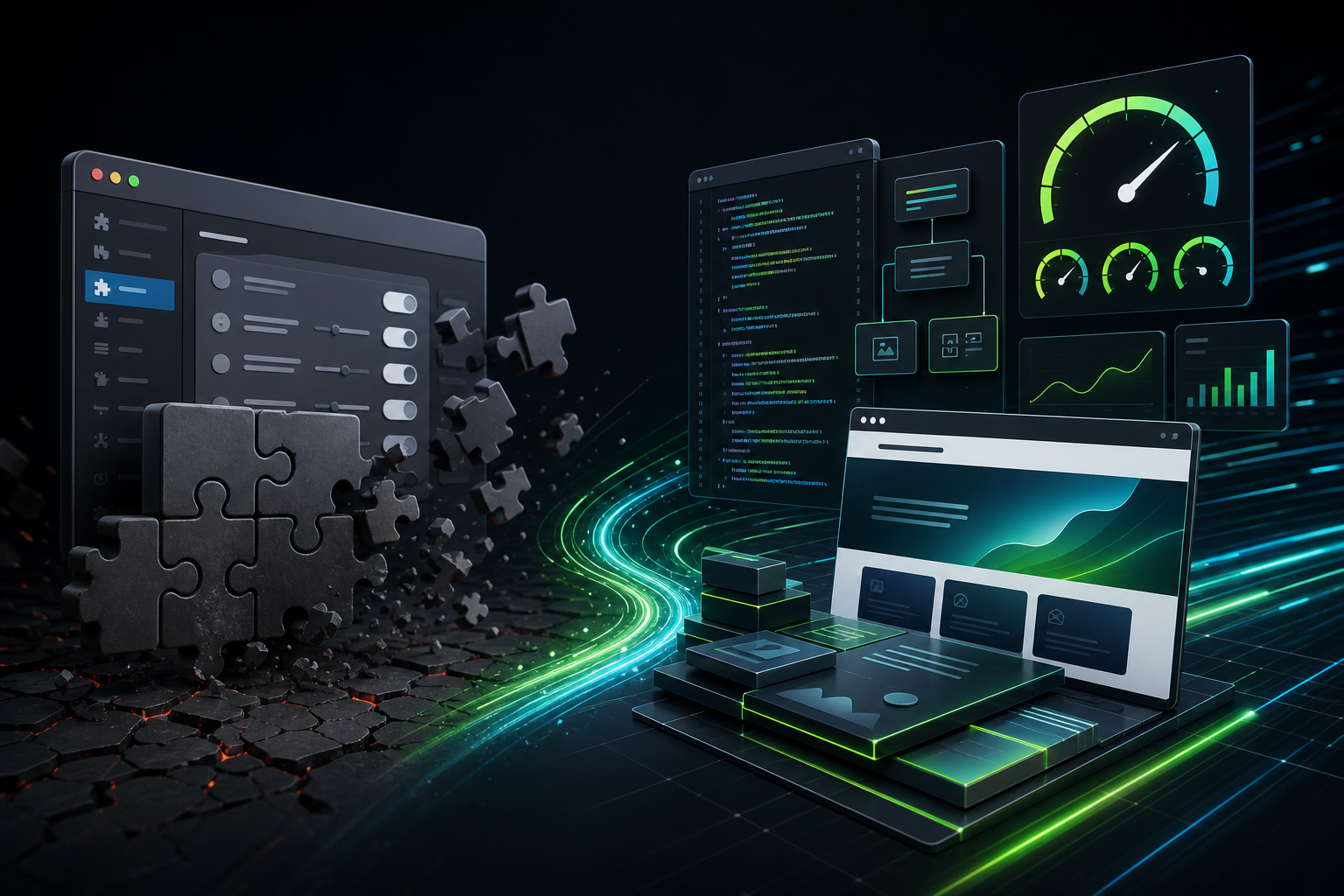
The plugin is not always the problem
Most WordPress speed projects start with the same hope: install the right plugin, tick the right settings, and watch the site become fast. That works when the site has simple bottlenecks. Caching, image compression, script delay, and CDN settings can make a real difference.
The harder cases look different. A page builder layout might create too much HTML. Custom features can query the database on every page load. Themes sometimes ship unused JavaScript across the whole site. WooCommerce checkout can break if a performance plugin delays the wrong script. At that point, WordPress development services for performance become more useful than another settings pass.
I usually treat this as a decision problem, not a tool problem. Before changing code, you need to know whether the bottleneck sits in assets, hosting, plugin behavior, page structure, database queries, or custom functionality. A speed plugin can help with some of those layers. It cannot rewrite a slow feature, simplify a bloated template, or make risky checkout logic safe by itself.
What performance-focused development actually means
Performance-focused development means building or repairing WordPress features with speed, stability, SEO, and maintenance in mind. It is not just “custom code.” Bad custom code can be slower than a plugin. Good development removes avoidable work from the browser, database, and server.
For Webless, the practical goal is simple: make the site do less unnecessary work while preserving the business result. That might mean replacing a heavy plugin with a small custom feature. It might mean rebuilding one Elementor section instead of redesigning the whole site. It might mean fixing a query that runs on every page when it only belongs on one template.
Good performance development also protects future maintenance. A quick code snippet that nobody understands can create a new problem six months later. A clean feature, documented properly, gives the site owner more control and gives the maintenance team less surprise work.
When a speed plugin is probably enough
A speed plugin is usually enough when the site is structurally healthy and the main problems are configuration or front-end delivery.
That usually means:
- The theme is reasonably light.
- The site does not rely on too many overlapping plugins.
- The largest images are too heavy but easy to replace or compress.
- Render-blocking CSS and JavaScript can be delayed safely.
- Page caching works without breaking forms, carts, logged-in areas, or dynamic pricing.
- The site uses a stable hosting setup with acceptable server response time.
In those cases, a careful setup of caching, image optimization, script delay, font loading, CDN rules, and database cleanup can move the site in the right direction. The work still needs testing, but it does not always need custom development.
This is why the first check should not be “which plugin should we install?” It should be “what kind of bottleneck are we trying to remove?” If the answer is delivery, settings may be enough. If the answer is structure, logic, or code weight, the project needs a different path.
When WordPress development services for performance make more sense
WordPress development services for performance make more sense when the site has problems that settings cannot safely fix. These problems usually show up during Core Web Vitals work, WooCommerce audits, redesigns, or long-running maintenance reviews.
Here are the common patterns.
1. The theme ships too much code
Some themes load the same CSS and JavaScript on every page, whether the page needs it or not. A plugin can delay some of that work, but it cannot always remove the underlying bloat without side effects.
Development work can split assets by template, remove unused theme features, replace heavy widgets, or rebuild a section with cleaner markup. This can improve loading and reduce the amount of JavaScript the browser has to process.
2. A page builder layout became too heavy
Page builders are useful, but they can become expensive when every section has nested columns, animations, sliders, icons, popups, and global styles. A performance plugin may hide some symptoms, but it will not turn a heavy layout into a lean one.
Developers can rebuild the most important above-the-fold section, reduce DOM size, simplify mobile layouts, or replace decorative elements with lighter HTML and CSS. This kind of cleanup is often more durable than adding another optimization layer.
3. WooCommerce needs careful testing
WooCommerce speed work is rarely just about caching. Product filters, cart fragments, payment scripts, checkout validation, shipping rules, subscriptions, and account pages can all behave differently from a simple brochure page.
This is where development judgment matters. A careless delay rule can break checkout. An aggressive cache rule can show stale cart data. A database cleanup can affect reporting if it is done blindly. Performance work on a store should protect revenue first and improve scores second.
4. The database is doing unnecessary work
Some slow pages come from queries, not images or CSS. A plugin might add a query to every page. Custom features may load all posts when they only need five. Search and filter setups can run expensive queries for every visitor.
Development work can narrow the query, add caching around the right data, change how results are loaded, or move expensive work away from the first page render. This is not glamorous, but it often makes the site feel more stable.
5. Core Web Vitals issues are tied to layout or interaction
Core Web Vitals are not just a single score. Google describes them as loading, interactivity, and visual stability signals, including LCP, INP, and CLS. You can read the official explanation in Google’s Core Web Vitals documentation.
A plugin can help with some LCP issues by improving image delivery or render-blocking resources. It may not fix a layout shift caused by late-loading banners, a slow custom search component, or a heavy menu script that delays interaction. Those problems often need template, CSS, or JavaScript work.
A practical decision table
Use this table before deciding whether to buy another tool or hire development help.
| What you see | Likely cause | Best next step |
|---|---|---|
| Large images and no modern image formats | Asset delivery problem | Image optimization and safe plugin setup |
| Slow first response before the page loads | Hosting, PHP, database, or uncached work | Server and backend audit |
| PageSpeed flags too much unused JavaScript | Theme, plugins, page builder, or global scripts | Script audit, selective unloading, or code cleanup |
| Layout jumps while the page loads | Missing dimensions, late banners, fonts, or dynamic sections | Template and CSS fixes |
| Checkout breaks when optimization settings are enabled | Dynamic WooCommerce scripts or cache rules | Developer-led testing and safer rules |
| The site keeps slowing down after every new feature | No performance standard in development | Performance-first development process |
What Webless checks before touching code
Before recommending development work, Webless usually checks whether a simpler fix can solve the problem. That protects the budget and avoids unnecessary custom work.
The first checks normally include:
- PageSpeed Insights and Core Web Vitals symptoms.
- Server response time and cache behavior.
- Largest image and hero-section loading.
- Theme and page builder weight.
- Plugins that load assets globally.
- WooCommerce, forms, tracking scripts, and logged-in behavior.
- Internal links and SEO-critical templates.
This matters because the same visible symptom can have different causes. A slow homepage might need image cleanup. Product archives can need query and filter work. Poor INP can come from JavaScript that only appears after a visitor opens the menu. Guessing wastes time.
If the issue is plugin configuration, the project should stay small. Structural issues make WordPress development services for performance the safer route.
How development and speed optimization work together
Speed optimization and development should not compete with each other. They should work in sequence.
First, the audit identifies the bottleneck. Then plugin-level fixes handle safe delivery problems. After that, development work removes bottlenecks that plugins cannot solve cleanly. Finally, maintenance keeps the improvements from drifting as the site changes.
That sequence is important. Starting with custom work too early can spend money on code when a safer setting would have been enough. Avoiding development for too long can leave you stacking plugins on top of a theme or feature that needs cleanup.
The best path is usually layered:
- Measure the page and identify the real bottleneck.
- Apply safe plugin and cache improvements.
- Test important user flows such as forms, checkout, and navigation.
- Use development work for layout, scripts, queries, or features that still cause problems.
- Keep monitoring through maintenance so the same issues do not return.
This is also why a Core Web Vitals report is a useful starting point. It helps separate “this needs settings” from “this needs code.”
Where performance-first development helps most
Performance-first development is most useful on pages that already matter to the business. I would rather fix one money page properly than make ten low-value pages look slightly better in a lab test.
Good candidates include:
- Homepages that carry the main brand and service message.
- Pricing pages that visitors compare before contacting you.
- WooCommerce category, product, cart, and checkout pages.
- Lead-generation pages with forms, maps, reviews, and tracking scripts.
- Blog templates that support SEO growth and internal linking.
- Custom dashboards, directories, calculators, or search features.
These pages often carry more scripts and more business risk. They also deserve more careful testing. A small development fix on one high-value template can be more useful than a broad plugin setting that affects the whole site.
Where Webless fits
Webless is useful when a WordPress site sits between speed optimization, maintenance, and development. Many real sites do not fit neatly into one category. They need a faster front end, safer updates, cleaner code, and fewer surprises after launch.
If your site only needs a clean optimization pass, start with our WordPress speed optimization services or the speed optimization pricing page. When the audit shows that the bottleneck is theme code, custom functionality, WooCommerce logic, or page-builder structure, our WordPress development services are the better fit.
For budget conversations, the practical issue is not only “how much does code cost?” It is which layer of the site needs responsibility. I covered that decision in the WordPress development cost guide, including how scope, WooCommerce, integrations, testing, and maintenance change the quote.
For sites that already get regular traffic, I would start with the Core Web Vitals report. It gives enough context to decide whether the next step is plugin setup, development cleanup, or ongoing WordPress maintenance.
Final answer: fix the layer that is actually slow
WordPress development services for performance make sense when the slow part of the site is built into the theme, layout, database, checkout, or custom feature. A plugin can improve delivery. It cannot always remove the work that made the page heavy in the first place.
The practical rule is simple: use plugins for safe delivery improvements, use development for structural problems, and use maintenance to keep the site from drifting back into the same pattern.
If your site has already been optimized but still feels slow, send Webless the URL through the contact page. We can help you decide whether the next step is a smaller settings pass, a deeper speed project, or performance-focused development work.