
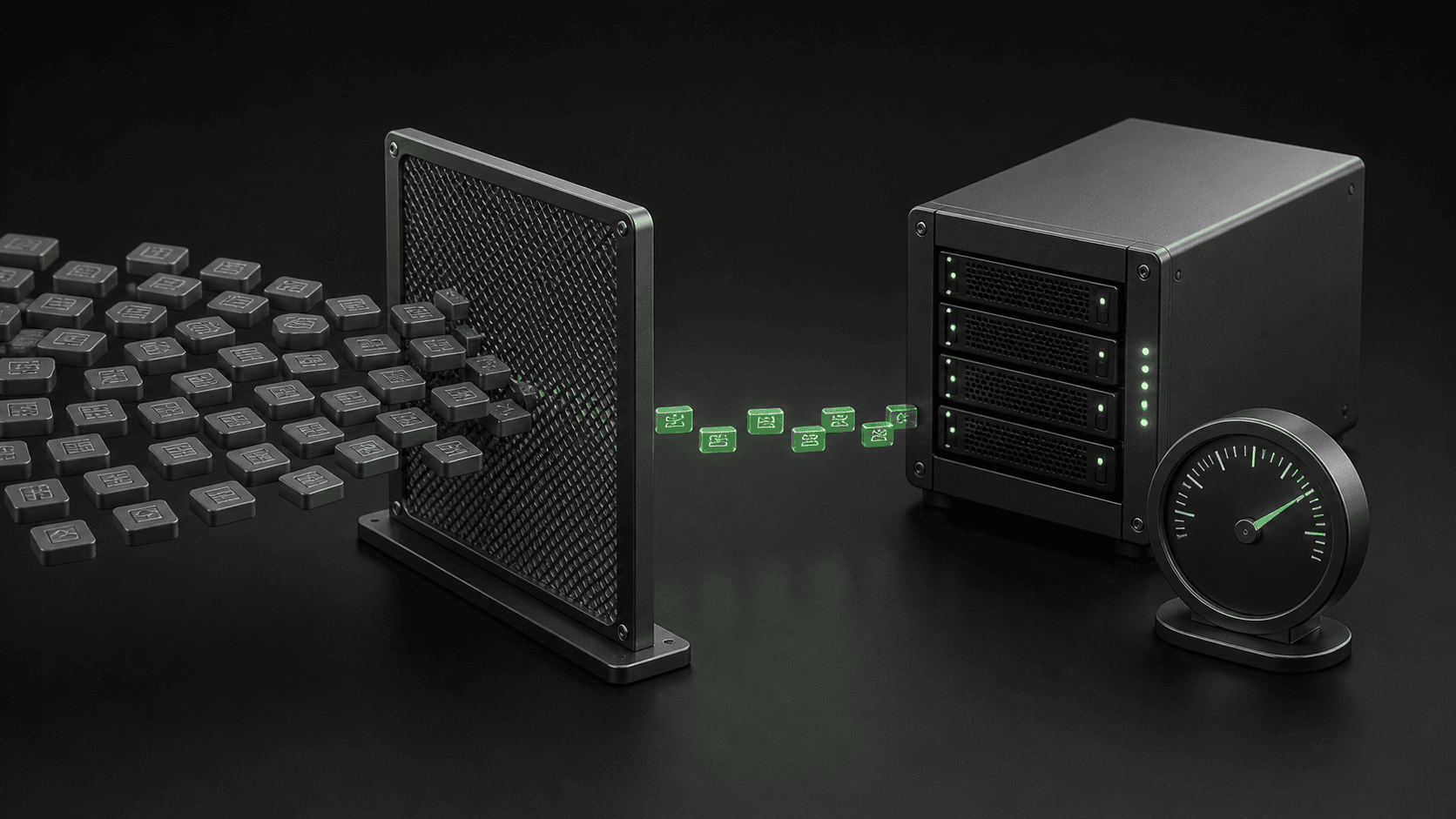
Are AI bots slowing down WordPress, or is your hosting dashboard showing a different problem? Before you upgrade your plan or block every crawler, check whether the requests actually reach your server and coincide with slower customer journeys. A large bot count is a reason to investigate, not a diagnosis.
The useful question is not simply how many bots visited. It is which URLs they requested, what work those requests caused, and whether that work competes with checkout, forms, or normal browsing. This guide gives you a practical evidence order and a safe stopping point before you change live traffic rules.
AI crawler requests are not the same as AI referral visits
A crawler fetches content automatically. A referral visit happens when somebody follows a link from an AI service to your website. Those are different activities, and they need different measurements. Do not use a rise in human visits from ChatGPT as proof that a crawler is exhausting your hosting resources.
Our guide to tracking ChatGPT traffic for free covers the referral side. For server load, start with your host’s resource charts and request logs. Analytics visitor reports alone do not tell you which requests used PHP workers or made expensive database queries.
Keep the business question visible: are real visitors waiting, are transactions failing, or has the host identified a specific resource limit? If the only change is a larger number in a bot dashboard, do not describe it as an outage.
Can AI bots slow down a WordPress site?
They can contribute to load when requests repeatedly trigger work on the origin server. The origin is the hosting server behind your CDN or cache. However, you need to distinguish that situation from requests answered by a cache or stopped before they reach WordPress.
Pantheon’s guidance on crawler traps describes how automated requests can follow large combinations of dynamic URLs. On a store, repeated filter or search combinations deserve investigation. That does not mean every filtered URL is harmful, or that every slow store has a bot problem.
For example, imagine two request spikes. One mostly fetches cached public articles while the server stays comfortable. The other coincides with repeated uncached searches and longer customer response times. The second deserves a different response, even if its request count is lower. This is an illustrative comparison, not a measured Webless client result.
First check whether the bot count matches real hosting pressure
Use the same time window and time zone in each dashboard. A daily total cannot explain a five-minute checkout slowdown on its own. Save the start and end time of the affected period before changing anything.
| What you observe | What it supports | What to check next |
|---|---|---|
| Bot requests rise, but origin usage and customer response times remain stable. | More automated traffic, not yet a proven capacity problem. | Identify the requested paths and keep a baseline. Do not buy capacity from this count alone. |
| Origin requests, resource pressure, and slow customer responses rise together. | A plausible connection that needs request-level evidence. | Ask the host which paths and processes consumed resources during that exact window. |
| A bot dashboard shows many blocked or unsuccessful requests. | The request total may include traffic that never completed a normal page visit. | Separate allowed responses, blocked responses, and server errors before interpreting the total. |
| Customers receive errors after a new traffic rule, while server usage improves. | The control may reduce load while also blocking a legitimate journey. | Review the matching rule and test checkout, forms, callbacks, and search access. |
| Slowdowns continue when the identified crawler becomes quiet. | The crawler is not enough to explain the problem. | Investigate background jobs, application errors, database work, and hosting limits. |
This is Webless’s diagnostic framework, not a universal traffic threshold. There is no single request count at which every WordPress site needs a bigger server. A request’s cost and the site’s available capacity matter together.
Check AI bots slowing down WordPress in this order
- Record the visitor symptom. Note a slow product page, a failed form, or a checkout delay with its time. Check a public page while logged out as well as the affected business journey.
- Ask what limit was reached. Have your host identify CPU, memory, worker capacity, database pressure, or another limit. Keep the host’s exact explanation rather than translating every warning into a bandwidth problem.
- Match the request window. Compare the affected interval with access logs and CDN information. Include the hostname and time zone so support can find the same events.
- Identify expensive paths. Look for repeated searches, filters, or other dynamic requests. Ask whether those paths reached the application and whether they were slow. A popular URL is not automatically an expensive one.
- Verify the caller and purpose. A familiar name in a user-agent string is not independent proof of identity. Use the operator’s verification guidance and the controls available from your host or CDN.
- Make one reversible change. Agree the affected caller or path, the test window, and the rollback conditions. Then compare customer behavior and server pressure again.
Do not disable unrelated plugins, turn off security protections, and change hosting at the same time. You would lose the ability to tell which change mattered. If the evidence instead points to application work, follow the investigation for slow WordPress database queries.
What Cloudflare AI Crawl Control can show you
For a site already using Cloudflare, open the correct domain and review AI Crawl Control. Cloudflare’s current analytics documentation describes date, crawler, hostname, and path filters, plus request and response-code views. Export the relevant view so you can compare the same interval with your host.
Read the labels carefully. Total requests include blocked and error responses. Allowed requests represent successful responses. The data-transfer metric uses bytes returned at Cloudflare’s edge; it is not a measurement of origin CPU. Referral reporting in this product requires a paid plan.
These distinctions prevent a common purchasing mistake: treating an impressive edge traffic graph as evidence that more hosting memory will solve the problem. Ask for the missing origin evidence before accepting that conclusion.
You do not need to move DNS just to begin an investigation. If your site is not on Cloudflare, ask your existing host for the equivalent request and resource evidence. Changing infrastructure while diagnosing a live fault can introduce a second problem.
Choose a narrow control, not a blanket reaction
Cloudflare’s crawler-management documentation provides per-crawler allow and block controls. Its free-plan identification relies on self-identifying user-agent strings; stronger detection depends on the plan. A crawler block creates or updates a WAF rule, so review existing rules before assuming one toggle explains every response.
Use that information to define a policy, not to promise perfect detection. Decide which crawling has business value, which behavior is causing a demonstrated problem, and which controls you can safely reverse. If you cannot separate those questions, have your host or a WordPress specialist review the evidence first.
| Possible action | When it makes sense | Boundary to protect |
|---|---|---|
| Keep observing without blocking. | Customers are unaffected and origin pressure is unproven. | Keep enough evidence to investigate if the symptom returns. |
| Apply a targeted crawler control. | A verified caller or request pattern conflicts with your policy or contributes to load. | Check that the rule does not also match useful crawlers or business integrations. |
| Repair an expensive dynamic path. | Repeated requests reveal a search, filter, or application problem. | Preserve useful navigation and never cache private or transactional content as a shortcut. |
| Increase hosting capacity. | Measured legitimate demand still exceeds capacity after avoidable work is addressed. | Confirm which resource the new plan increases and how success will be measured. |
Do not copy a long list of blocked user agents from a forum and assume it fits your business. The same organization may operate different crawlers for different purposes. Likewise, a request carrying a trusted name may not belong to that operator.
For Google traffic, use Google’s crawler verification guidance rather than trusting the name alone. Avoid broad changes that accidentally remove access needed for search discovery.
Retest the paths that earn enquiries or orders
A lower CPU graph is not a complete success if a legitimate customer can no longer submit a form. Before a rule change, write down the paths you will verify afterwards. On a business site, that normally includes public browsing, contact, and any customer login. On a store, include cart, checkout, and the payment integration’s supported test path.
Use a test environment or the payment provider’s documented test procedure where appropriate. Do not create real charges or send repeated customer messages merely to check a rule. Ask the person responsible for the integration to verify callbacks and notifications safely.
Keep the previous configuration available. Revert the specific change if it introduces a new customer failure, blocks a required integration, or leaves you unable to explain the affected traffic. Do not weaken all security rules to undo one mistaken match.
If visitors now receive 429 Too Many Requests errors, establish which layer produced them. The response alone does not prove that WordPress, Cloudflare, or an AI bot caused the original incident.
When should you upgrade hosting instead?
Sometimes the right answer is more capacity. A growing store may need resources for real shoppers, background work, and essential integrations even after unnecessary crawling is controlled. Do not turn a useful bot investigation into a reason to reject every hosting upgrade.
Ask the host three questions: which resource is limiting the site, what evidence connects that limit to the visitor symptom, and what improvement the proposed plan actually supplies. Then agree a comparable before-and-after test. Moving to a plan with more disk space will not automatically address a different bottleneck.
If the answer remains vague, an independent WordPress performance review can separate traffic pressure from application work and cache behavior. Webless can review the evidence and recommend a targeted next step; no responsible assessment can guarantee that a single setting fixes every site.
What to send Webless for a useful investigation
Send the public URL, the affected journey, the incident time with time zone, and your host’s resource warning. Add a cropped chart for that interval and a sanitized summary of the busiest paths if you have them. Tell us what changed recently and which traffic controls are already active.
Do not paste API keys, cookies, customer details, or complete private logs into a public chat or comment. Request paths can contain sensitive information too. Use an agreed secure route if deeper access becomes necessary.
The aim is a clear decision: keep observing, adjust a specific control, repair an expensive path, or add capacity. Ongoing WordPress maintenance can then track whether the chosen fix continues to protect the site.
AI bots slowing down WordPress: quick owner questions
Does a large bot count mean my website was hacked?
No. Automated requests alone do not establish a compromise. Suspicious changes, unexpected accounts, or other security evidence need a separate investigation. Do not label normal crawling as a confirmed breach.
Will blocking AI bots remove every slowdown?
No. It only addresses traffic matched by that control. If AI bots slowing down WordPress is your working theory, compare origin load and visitor symptoms before and after one targeted change. Continue investigating when the evidence does not support the theory.
Can I start without buying another analytics tool?
Yes. Start with the resource information and logs your current provider makes available. The first purchase decision should follow an evidence gap or a demonstrated need, not a scary total on a dashboard.